
Overview
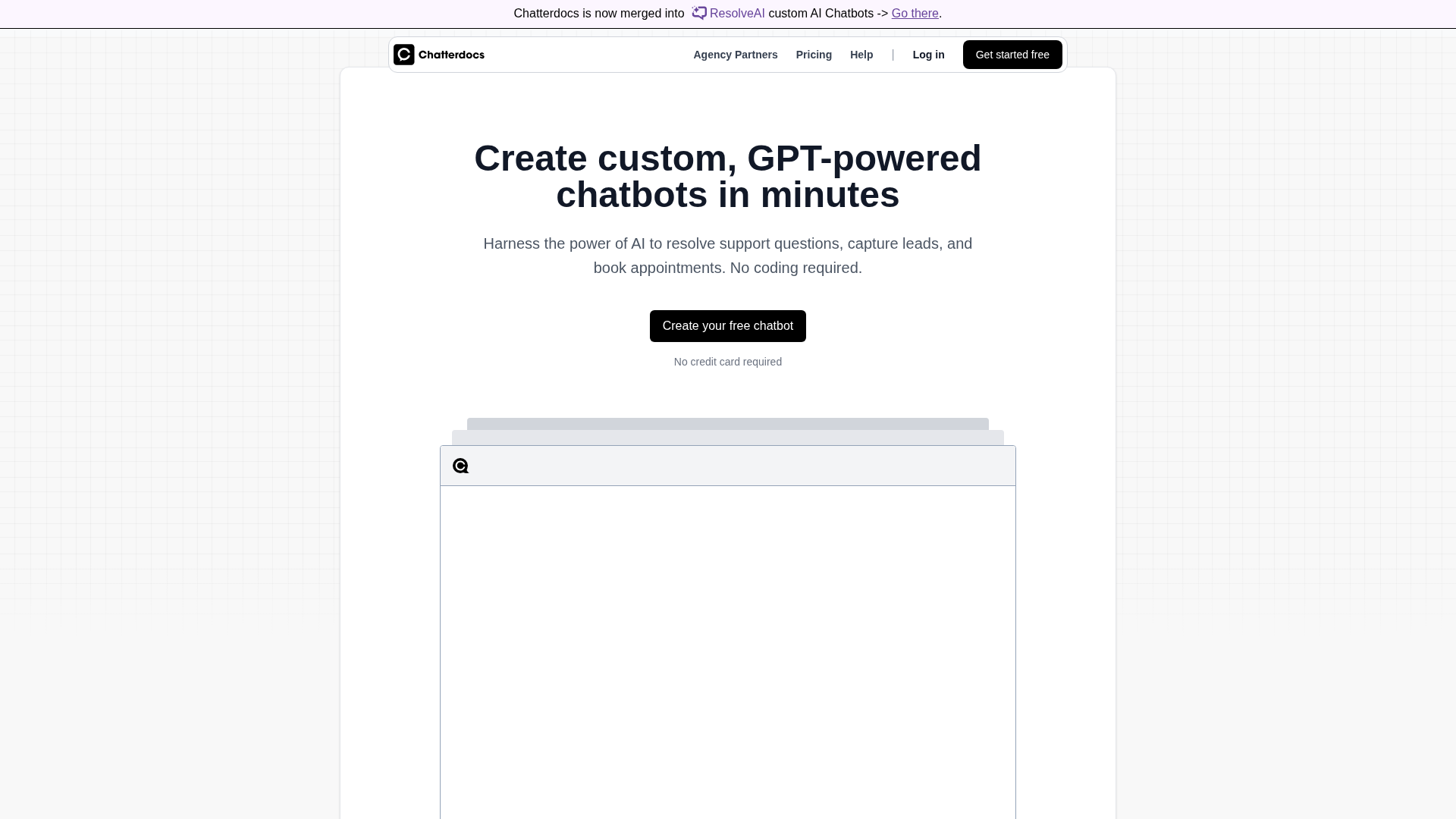
Chatterdocs is a no-code, GPT-powered chatbot platform for building embeddable site widgets, Slack integrations (including slash commands), and API bots that answer support questions, capture leads, and book appointments using your own content/data. The product emphasizes fast setup (advertises "Create your first chatbot free"), 24/7 availability, and the ability to tune prompts and persona to match brand voice. Core capabilities include a no-code bot builder with prompt and persona customization, multi-source knowledge ingestion (web pages, PDFs, CSVs, rich text/Markdown, audio, Notion), built-in lead capture and appointment booking, visitor insights and downloadable analytics, live human takeover routing, and API access to push responses to different destinations. The site references embeddable, brandable chat widgets, Slack integration, and support for common channels such as WhatsApp and Messenger. Pricing is tiered with a 10-day free trial (no credit card required to start), per-bot add-ons, options for annual billing, and agency/enterprise offerings. The publicly visible pricing examples are inconsistent across captures (examples seen include $9 / $29 / $79 and $9 / $19 / $49 and promotional references up to $499/month for agency tiers). The pricing page also documents training character limits, message allowances, number of training sources per tier, and add-ons such as branding removal. Documentation includes getting-started guides for import sources, prompt refinement, and deployment (widget, Slack, API), plus prompt docs for influencing bot behavior and prompt ordering. The information in this description is a direct summary of the reviewed site pages; specific numeric prices and exact plan limits should be verified on the pricing page (https://chatterdocs.ai/pricing) before making purchasing decisions.
Key Features
No-code bot builder & prompt customization
Visual/no-code tools to build bots, tune prompts, and set persona/brand voice without developer work.
Multi-source knowledge ingestion
Import and sync content from web pages, PDFs, CSVs, rich text/Markdown, audio, and Notion as training sources.
Embeddable, brandable chat widgets
Website chat widgets that can be embedded and branded; branding removal available as a paid add-on.
Slack and channel integrations
Slack integration (including slash commands) plus references to common channels such as WhatsApp and Messenger.
Live human takeover & routing
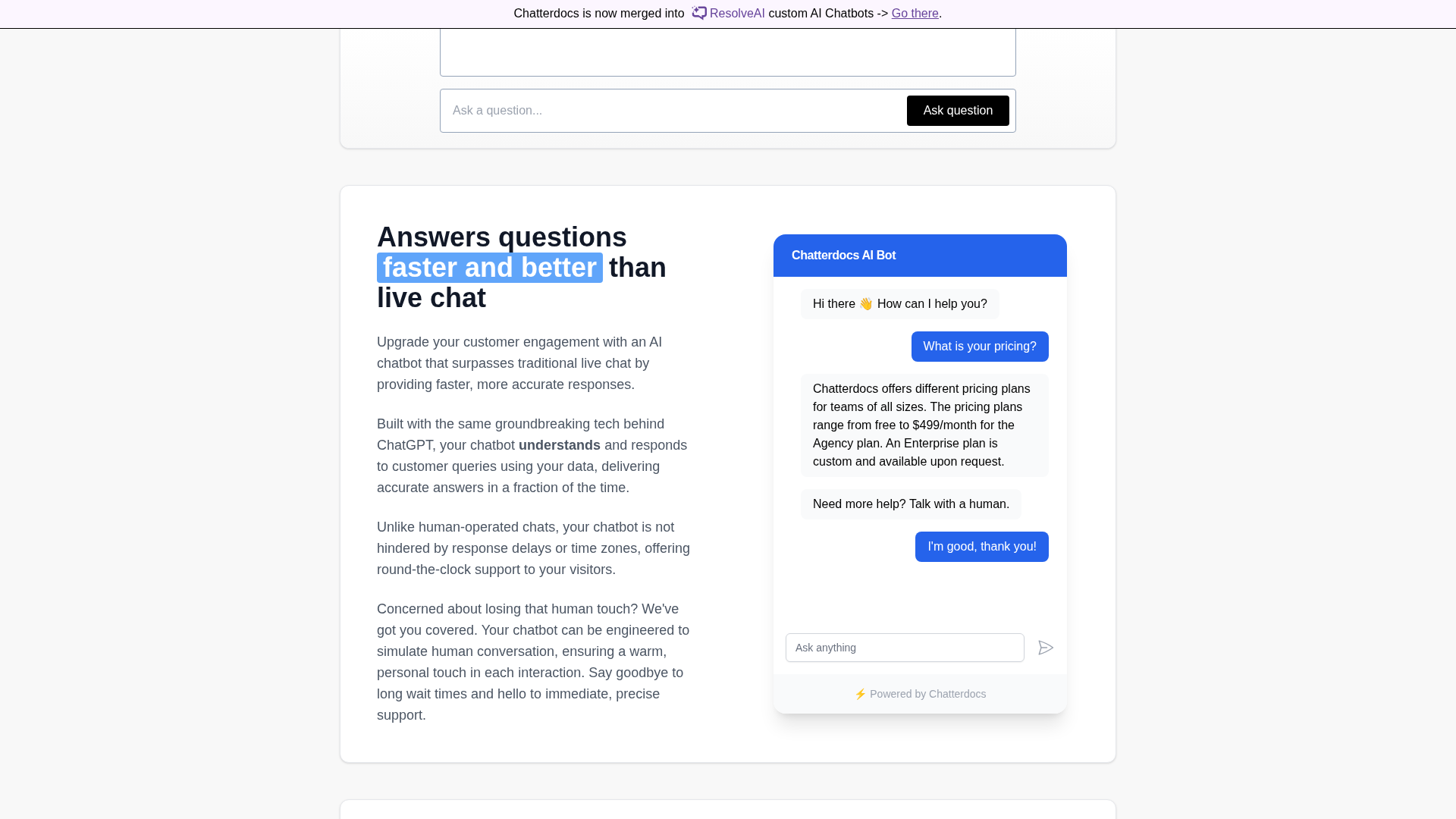
Route conversations to live chat/human agents when needed to handle escalations.
Built-in lead capture & appointment booking
Capture emails and phone numbers and support appointment bookings directly through the bot.
Who Can Use This Tool?
- support teams:Use Chatterdocs to automate customer support, capture leads, and route to human agents when needed.
- non-developers:Build and tune chatbots using no-code tools, prompts, and persona settings without engineering resources.
- agencies:Deploy white-label or agency-level bots for clients, with agency pricing and per-bot options referenced on the site.
Pricing Plans
10-day free trial available with no credit card required to start, as stated on the site.
- ✓No credit card required to start trial
- ✓Trial duration: 10 days
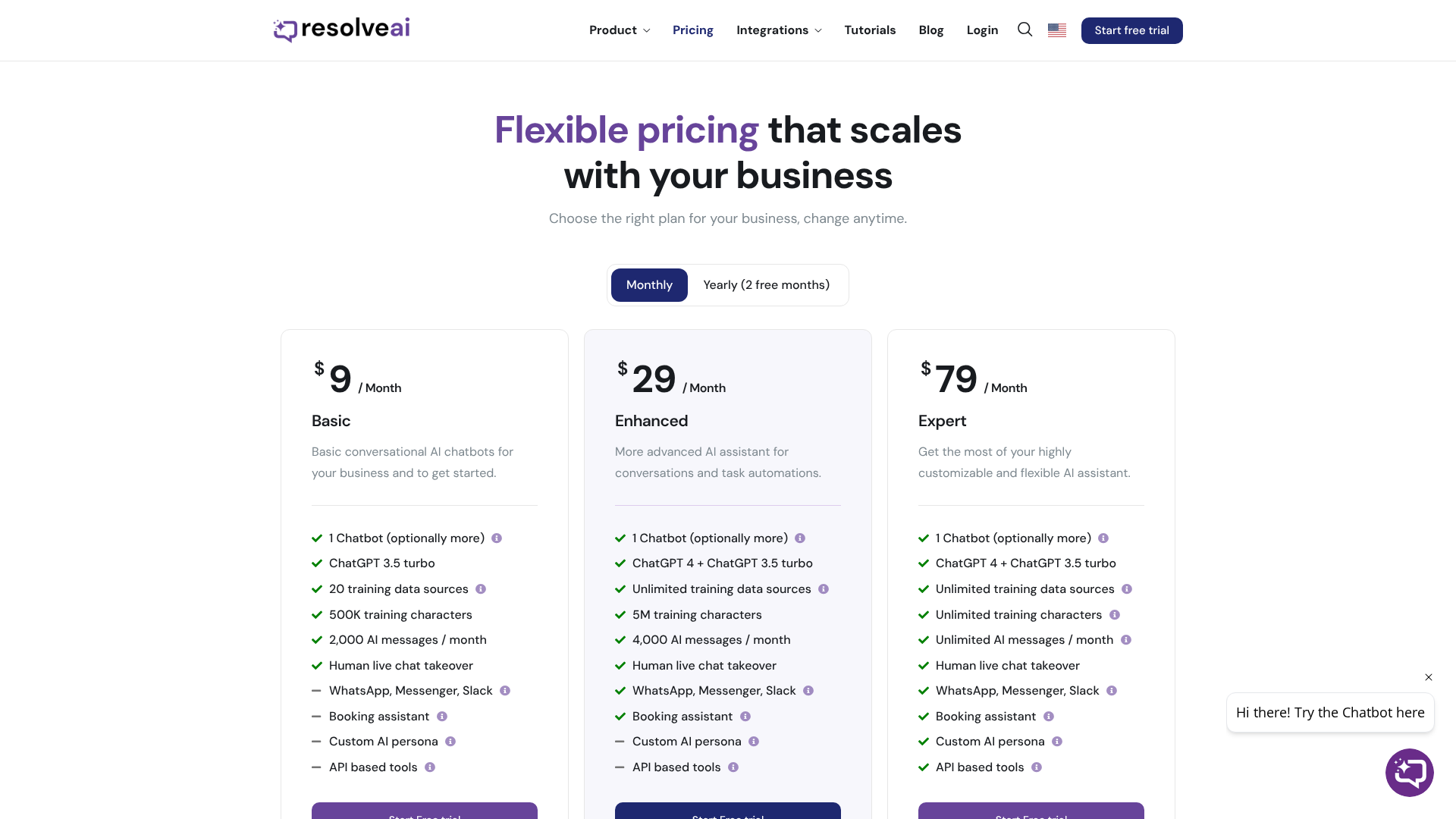
Site lists tiered plans often labeled Basic/Enhanced/Expert or similar. Public snippets vary (examples captured include $9/month for an entry-level plan), but pricing snippets were inconsistent across captures. Verify current price on the pricing page.
- ✓Entry-level tier features (limits apply)
- ✓Training character and message allowances vary by tier
Mid-tier plan referenced in site snippets. Example pricing combinations appeared in captures (e.g., $29/month), but these were inconsistent. Check pricing page for up-to-date numbers.
- ✓Higher message/character allowances than entry-level
- ✓More training sources allowed per account
Higher tiers for agencies or advanced needs; public captures referenced examples up to $79/month and promotional references to agency pricing up to $499/month. Pricing details were inconsistent in captures; verify on the pricing page.
- ✓Largest training and message allowances
- ✓Options for ChatGPT-4 model access or use of your own OpenAI API key depending on plan
Site references per-bot add-on pricing and an option to remove Chatterdocs branding for an extra cost. Exact add-on price is not consistently listed in captures.
- ✓Remove branding as paid add-on
- ✓Per-bot pricing options available
Pros & Cons
✓ Pros
- ✓No-code setup enabling non-developers to create chatbots quickly
- ✓Multi-source ingestion (web, PDFs, CSVs, Markdown, audio, Notion)
- ✓Embeddable widgets and Slack integration with channel support
- ✓Built-in lead capture and appointment booking
- ✓10-day free trial with no credit card required
✗ Cons
- ✗Public pricing snippets were inconsistent across captures; verify current prices on the pricing page
- ✗Training character limits and message quotas vary by tier (may restrict lower tiers)
- ✗Branding removal requires an extra paid add-on
- ✗Higher-tier features (e.g., ChatGPT-4 access or unlimited usage with your own API key) depend on plan
Compare with Alternatives
| Feature | Chatterdocs | Robofy | ChatbotGen |
|---|---|---|---|
| Pricing | N/A | $19/month | $10/month |
| Rating | 8.1/10 | 8.3/10 | 8.2/10 |
| Knowledge Ingestion | Yes | Yes | Partial |
| No-code Builder | Yes | Yes | Yes |
| Multichannel Reach | Partial | Yes | Yes |
| Live Handover | Yes | Yes | No |
| Lead Capture | Yes | Yes | Yes |
| Appointment Booking | Yes | No | No |
| Analytics Depth | Visitor insights and analytics | Analytics and summaries | Basic analytics and reporting |
| API & Integrations | API access and multi-destination responses | API and integrations support | REST API and channel integrations |
Related Articles (7)
Chatterdocs is an AI-driven, no-code chatbot builder that trains on your data to deliver fast, personalized support, leads, and bookings.
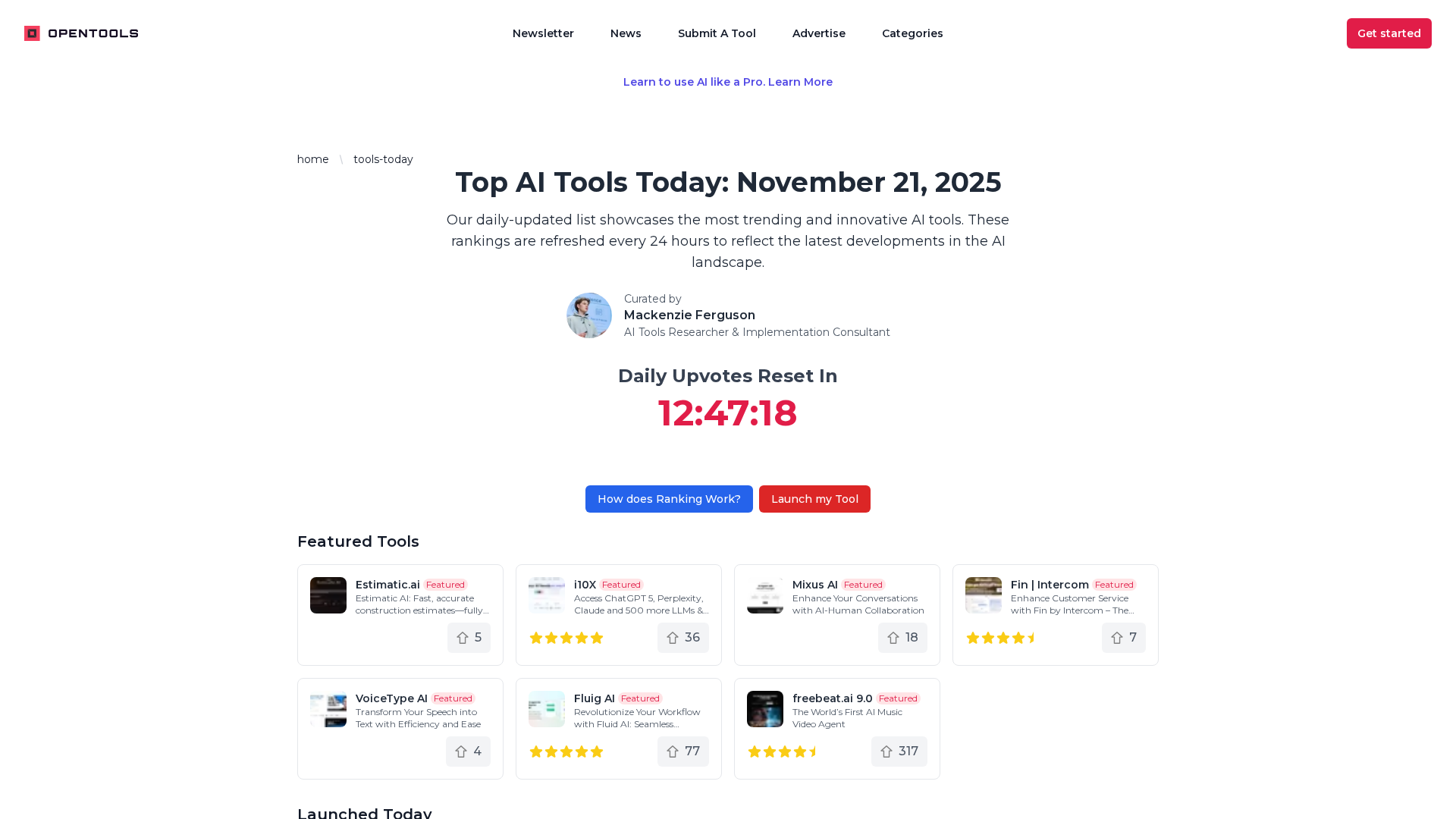
A daily-updated hub of trending AI tools and curated collections, plus weekly AI workflows.
Easily build GPT-powered chatbots to automate customer interactions without extensive coding.
Guidance for resolving JavaScript-disabled errors on X.com, including enabling JS, using a supported browser, and disabling privacy extensions.
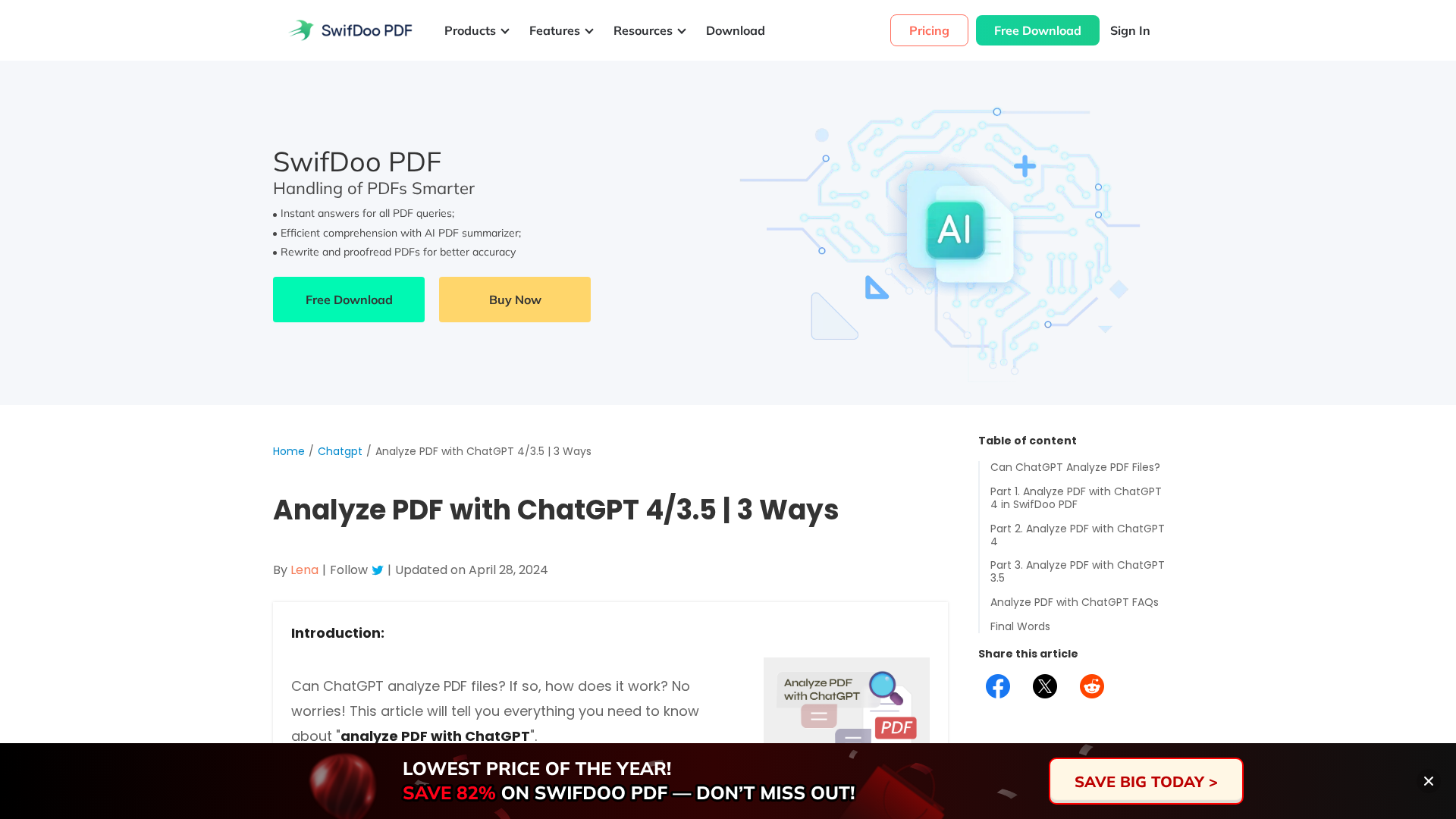
A practical guide to analyzing PDFs with ChatGPT 4 or 3.5, including SwifDoo AI options and step-by-step instructions.