
Overview
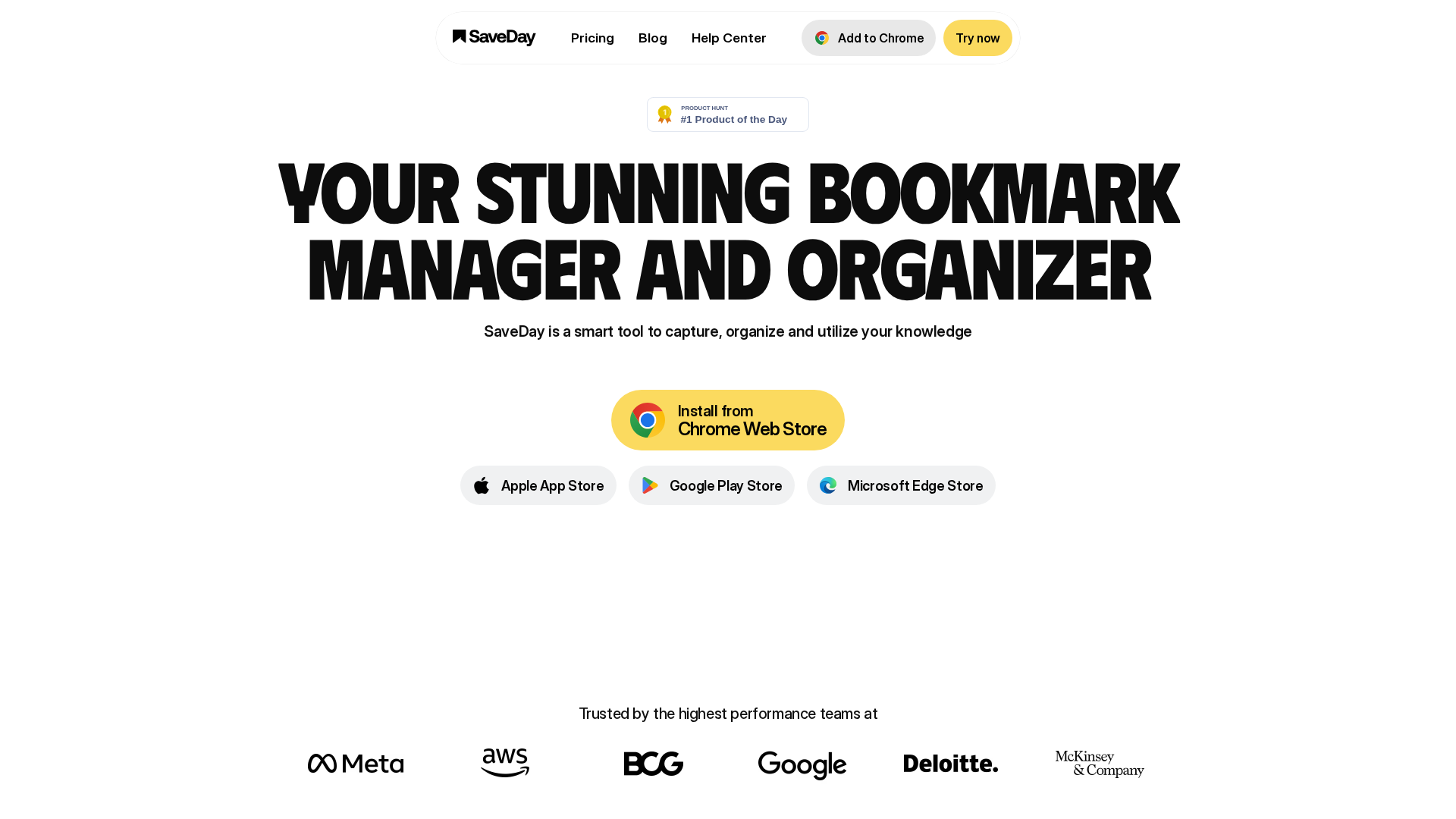
Summary collected from https://save.day: SaveDay is a freemium bookmark/knowledge manager emphasizing very fast capture, AI-powered search and answers derived from your own saved items, and cross-device access via a Telegram bot, browser extensions, a web app, and mobile workflows. Positioning/tagline used on the site: “From everywhere, for everything” — the product focuses on quick capture, automatic organization and summarization, and using a user’s personal collection as the data source for answers. Key capabilities described on the site include one-click capture of links, videos, images, web highlights, notes and reminders (via extensions and Telegram), AI-powered search that is described as “search by how you think”, an AI Canvas / “Ask and get trusted answers” feature that answers questions based on saved items with a transparent reasoning trail, summarizers (YouTube summarizer, article summarizer), website notes, web highlights, bookmark management, key-points extraction, and question-and-answer on saved items. Highlights and notes features include a browser highlighter supporting highlights and sticky notes, cross-device sync, and the ability to turn highlights into shareable images. Organization features mentioned include automatic organization and quick retrieval by keyword, color, brand, date and multilingual support. The site emphasizes privacy: it claims content remains private and is not shared with third parties and describes strict access controls. Platforms and integrations listed on the site: a Telegram bot (core capture and access), browser extensions (highlighter, sidebar, capture tools), a web app and mobile-friendly experiences with mention of expanded/upcoming mobile capabilities, and cross-device sync via account/syncing features. The site includes a public status page (https://status.save.day/) showing live uptime and maintenance logs. Pricing and billing information on the site: SaveDay is presented as freemium. The Basic plan is free and (per the pricing page) provides unlimited saved items, search, highlights and notes, with limited access to some advanced features (e.g., key-point credits, Q&A) and free monthly credits for some paid features. The site describes paid tiers and standard billing policies (upgrades/downgrades, refunds) but paid-tier names and prices are presented inconsistently across site pages; the site advises using the live pricing page or the checkout/account flow for authoritative values (https://www.save.day/pricing). Billing rules shown on the pricing page include: upgrades take effect immediately and are billed at upgrade time; downgrades take effect at the end of the current billing cycle; cancellations proceed via Account > Change plan > “I definitely want to cancel” and paid features remain active until the end of the current billing cycle; failed payments trigger notifications and retries up to eight times over about a month and persistent failures lead to automatic downgrade to Basic; payment methods accepted include major credit and debit cards and payment method can be updated in billing settings. Refund policy on the site: contact [email protected] to request a refund of any unused portion if cancelled within 14 days (applies to monthly and yearly plans). The site notes a student plan option accessible via an external form (https://tally.so/r/wk6a76). The pricing page contains some duplicated/formatting artifacts; some affiliate/internal pages show example price snippets (e.g., affiliate snippets listing Essential ~$12.99/mo, Elite ~$29.99/mo) but the site notes those appear in secondary pages and should be verified at checkout. Account, support and legal details on the site: support/billing contact: [email protected]; general support referenced as [email protected] in the Privacy Policy. Company address listed in the Privacy Policy: Pew AI Pte. Ltd, 32 Pekin Street #05-01 Far East Square, Singapore. Privacy & security: the Privacy Policy describes collected data (registration email/name, saved pages metadata, device/browser info, cookies/analytics), cookie preferences and opt-outs, data retention and deletion practices, limited third-party sharing for aggregated non-identifying data, use of analytics (Google Analytics mentioned), and legal-disclosure provisions; the policy asserts commitment to industry-standard security and confidentiality. Terms of Service are available at https://www.save.day/terms-of-service. Logos/media assets found on the site: web clip / small logo: https://cdn.prod.website-files.com/6349231ce464225e5d888c2d/64fae68c7adf2f455a91f7c9_saveday-webclip.png; meta logo: https://cdn.prod.website-files.com/6349231ce464225e5d888c2d/65fd3808af05f2a44f99b055_meta-logo.avif. Notes and recommendations from the collector: the pricing page has duplicated/formatting artifacts; for authoritative plan names and prices use the live pricing page or the checkout/account UI. The collector can fetch current paid plan names and exact monthly/yearly prices from the live checkout flow, extract per-plan feature quotas (key point credits, Q&A limits), or download logo images if requested.
Key Features
Fast capture
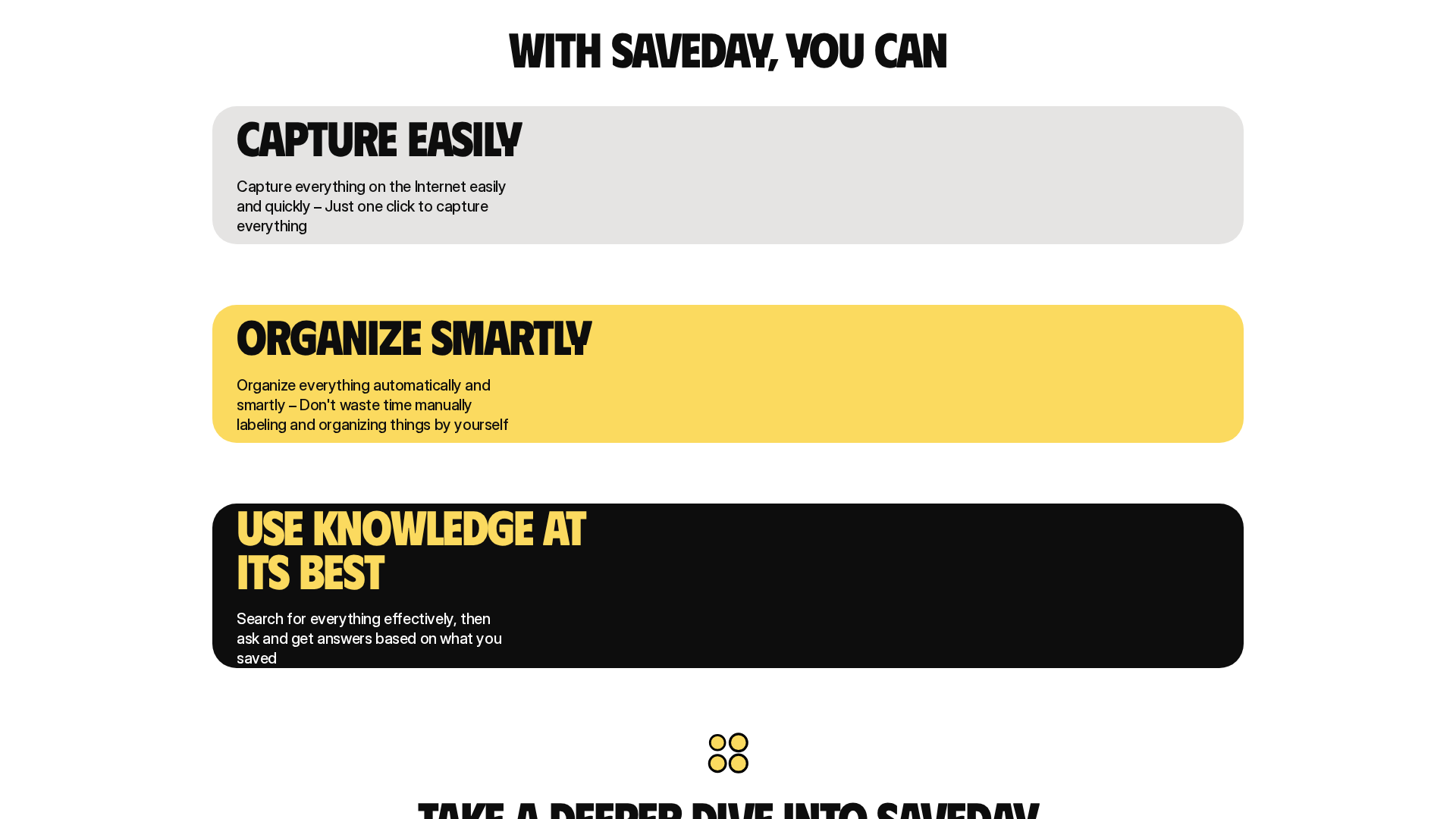
One-click capture of links, videos, images, web highlights, notes and reminders via browser extensions and Telegram bot.
AI-powered search & answers
AI Canvas / “Ask and get trusted answers” that answer questions based solely on your saved items with a transparent reasoning trail.
Summarizers & helpers
YouTube summarizer, article summarizer, website notes, key-points extraction, and Q&A on saved items.
Highlights & notes
Browser highlighter with highlights and sticky notes, sync across devices, and the ability to turn highlights into shareable images.
Automatic organization
Automatic organization and quick retrieval by keyword, color, brand, date, with multilingual support.
Cross-device access
Access and capture via Telegram bot, browser extensions, web app, and mobile workflows with account-based sync.
Who Can Use This Tool?
- individuals:People who save and organize web content, want fast capture and personal-AI search over their saved items.
- students & researchers:Users who need summarization, highlights, bookmarks and Q&A on saved material (student plan available via external form).
Pricing Plans
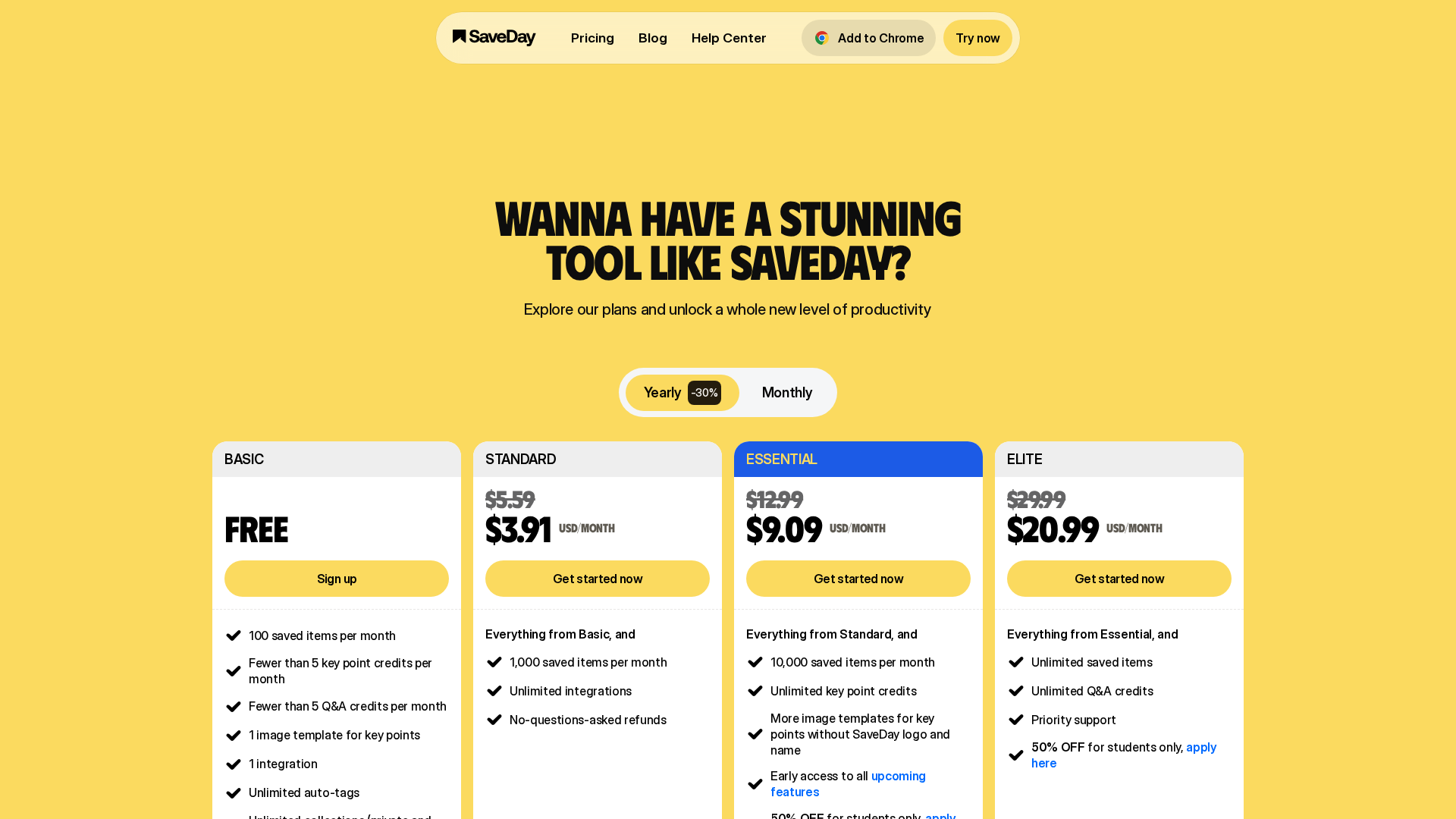
Free plan: unlimited saved items, search, highlights and notes; limited access to certain advanced features with monthly free credits.
- ✓Unlimited saved items
- ✓Search
- ✓Highlights and notes
- ✓Free monthly credits for some paid features
The site lists multiple paid tiers and billing policies but presents paid-tier names and prices inconsistently across pages. The site advises using the live pricing page or the checkout/account flow for authoritative values (https://www.save.day/pricing).
- ✓Additional advanced features (key-point credits, Q&A limits)
- ✓Upgrades effective immediately; downgrades at end of billing cycle
- ✓Billing and refund policies as described on pricing page
Pros & Cons
✓ Pros
- ✓Very fast capture via multiple entry points (extensions, Telegram)
- ✓AI-powered search/answers that use your own saved items as the data source
- ✓Cross-device access and sync
- ✓Rich highlight and note features including shareable images
- ✓Privacy emphasis and described access controls
✗ Cons
- ✗Paid-tier names and prices are presented inconsistently across site pages and require verification at checkout
- ✗Pricing page contains duplicated/formatting artifacts
- ✗Some advanced feature quotas (key-point credits, Q&A limits) are not clearly enumerated on the public pricing page
Compare with Alternatives
| Feature | SaveDay | Knibble | ChatPDF |
|---|---|---|---|
| Pricing | N/A | N/A | N/A |
| Rating | 8.4/10 | 8.3/10 | 8.6/10 |
| Capture Velocity | Yes | Partial | No |
| AI Search Depth | Moderate conversational search | Deep multi-document conversational search | Deep document-centric QA with context |
| Summarization Fidelity | Accurate concise summarization | Extraction oriented summaries | Citations backed document summaries |
| Organization Automation | Yes | Partial | Partial |
| Embedding & API | No | Yes | Yes |
| Citations & Sources | No | Partial | Yes |
| Privacy Controls | Yes | Yes | Partial |
| Cross-device Sync | Yes | No | Partial |
Related Articles (5)
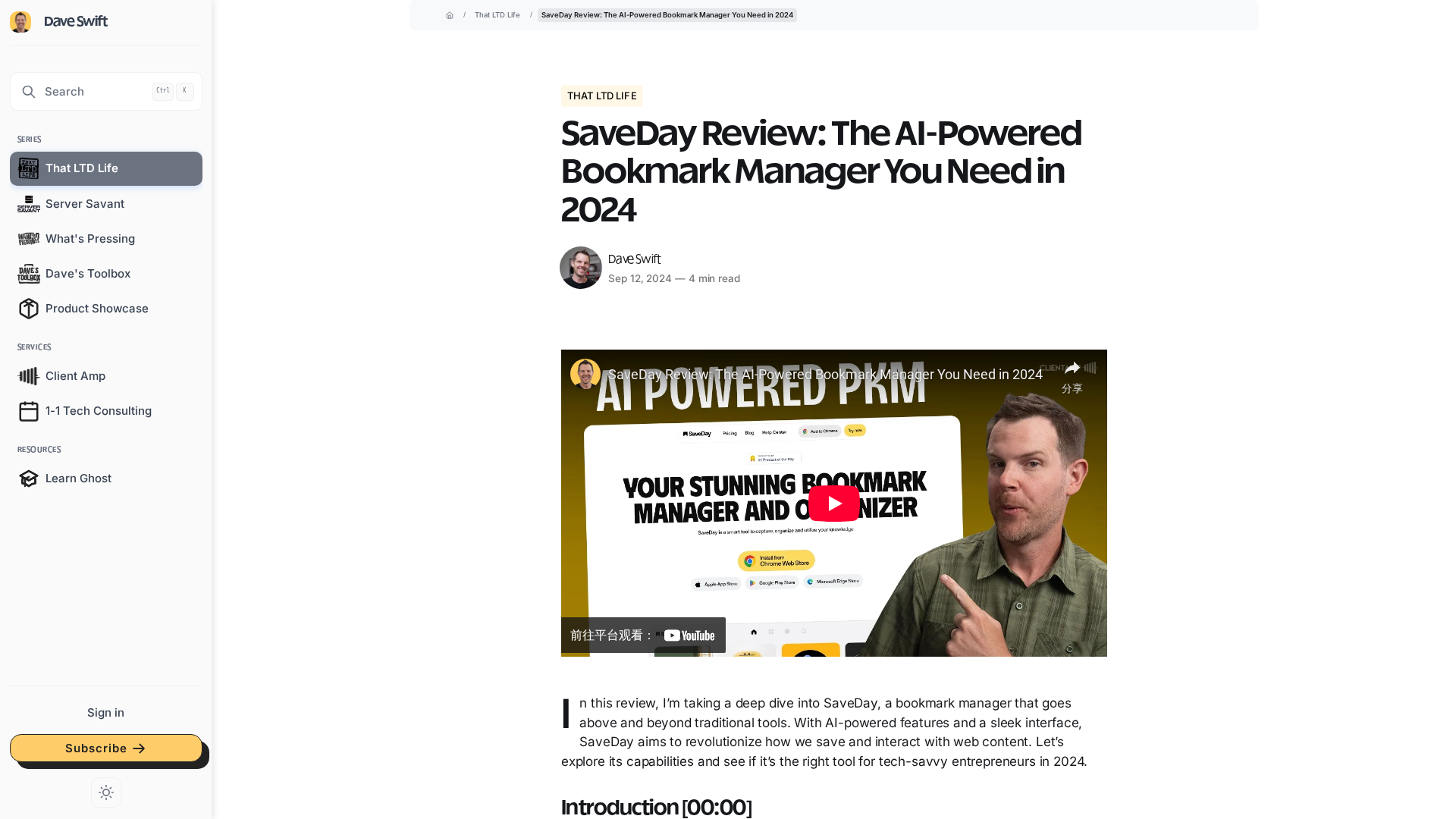
In-depth review of SaveDay, the AI-powered bookmark manager that saves, highlights, summarizes, and queries your web content.
SaveDay is a mobile knowledge hub that instantly summarizes articles and videos and saves them for quick, searchable recall.
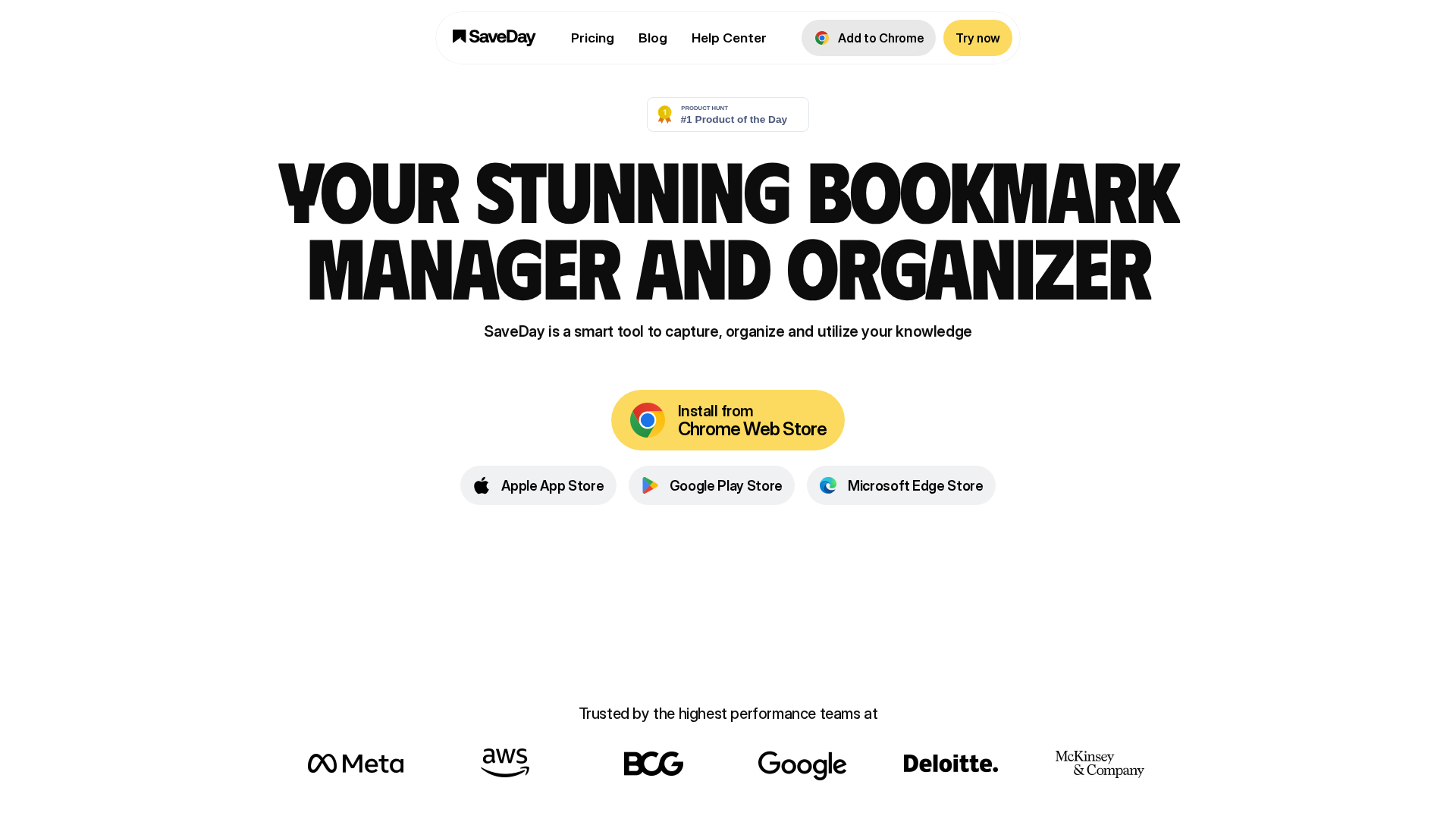
SaveDay captures, organizes, and searches your saved content across Telegram and browser extensions with strong privacy and future premium features.

Telegram bot that saves any content instantly and lets you search it quickly with shareable notes—and it's free forever.
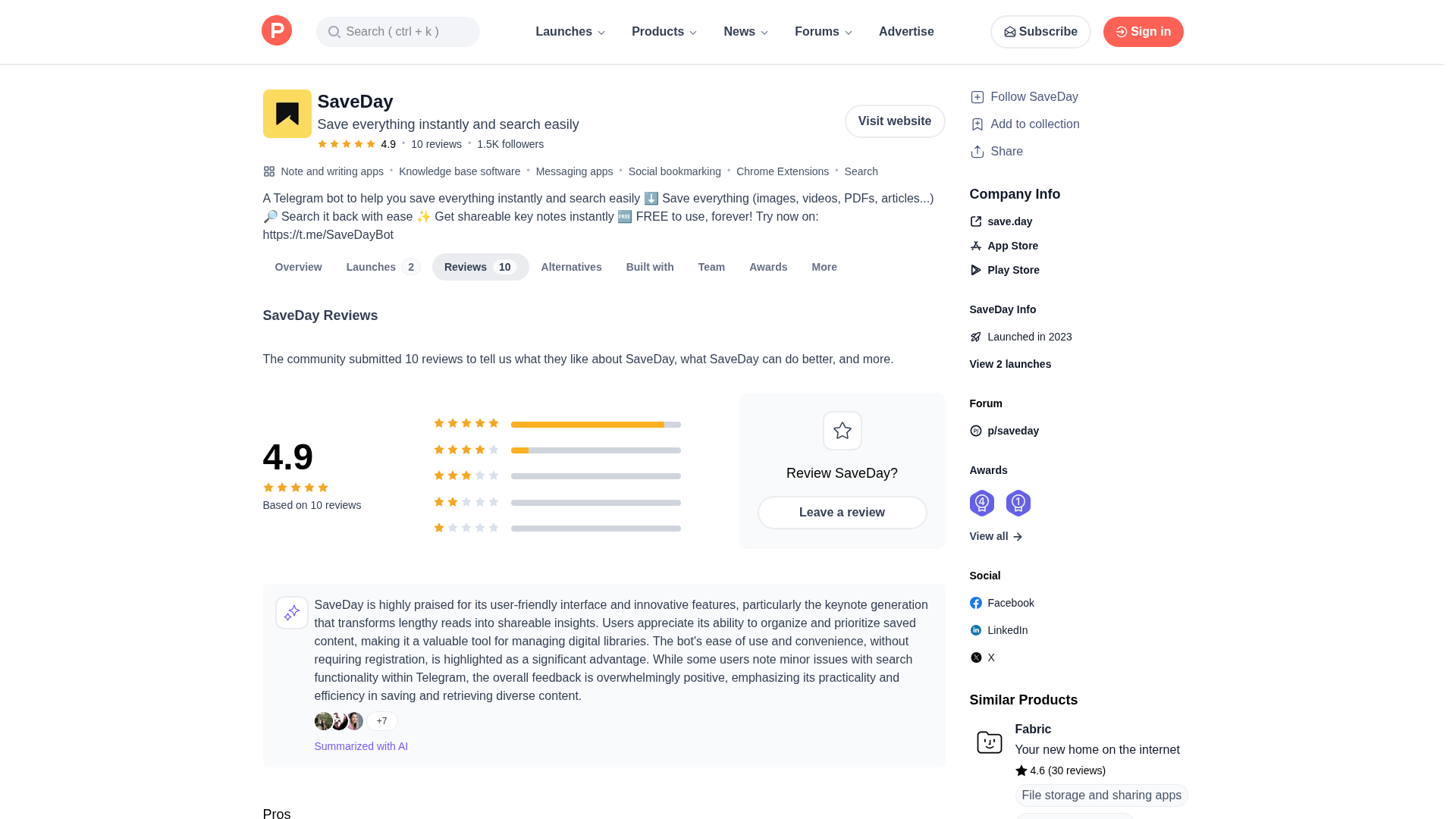
A Telegram bot that saves images, videos, PDFs, and articles instantly and makes them easily searchable with shareable notes.