
Overview
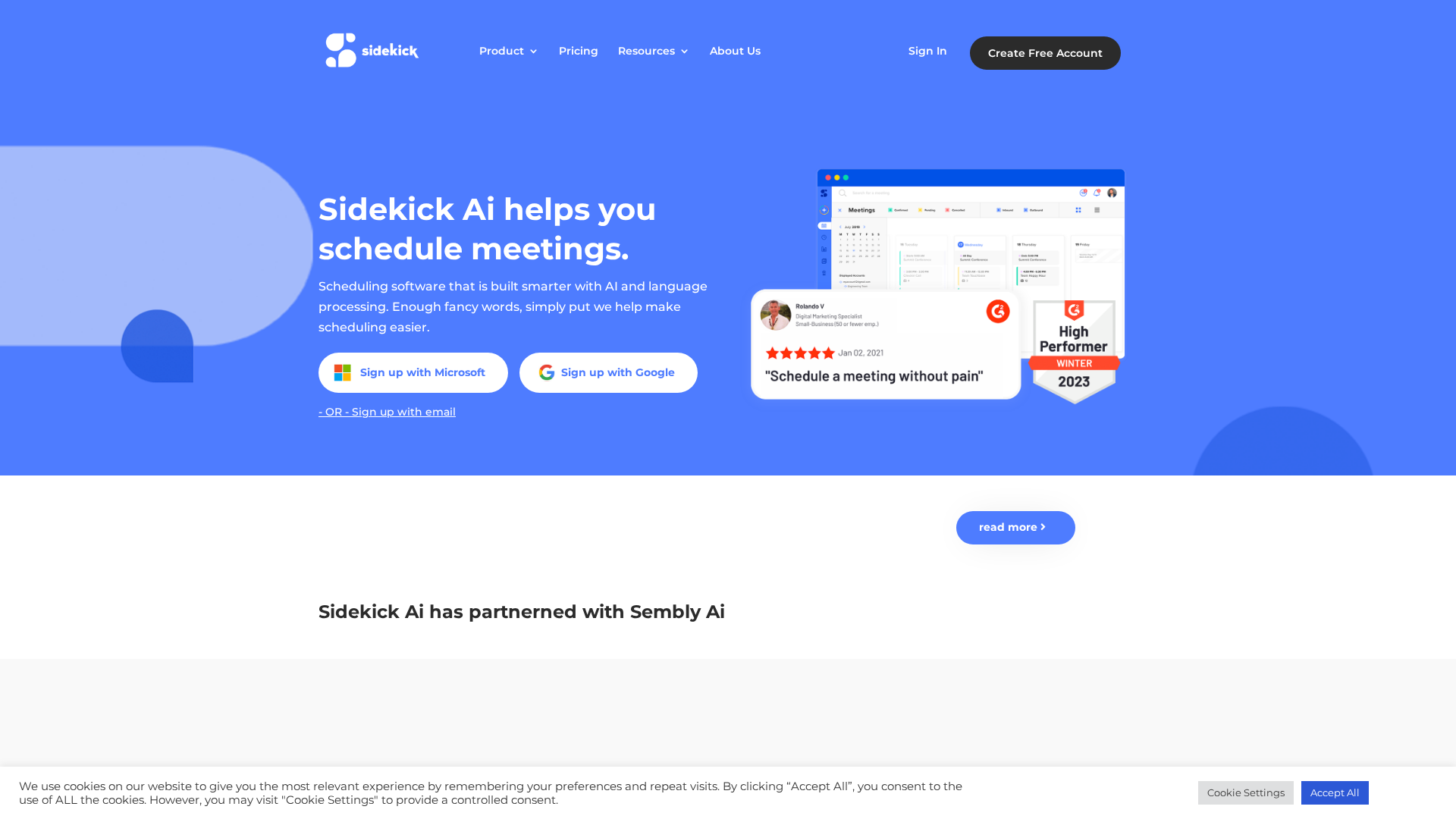
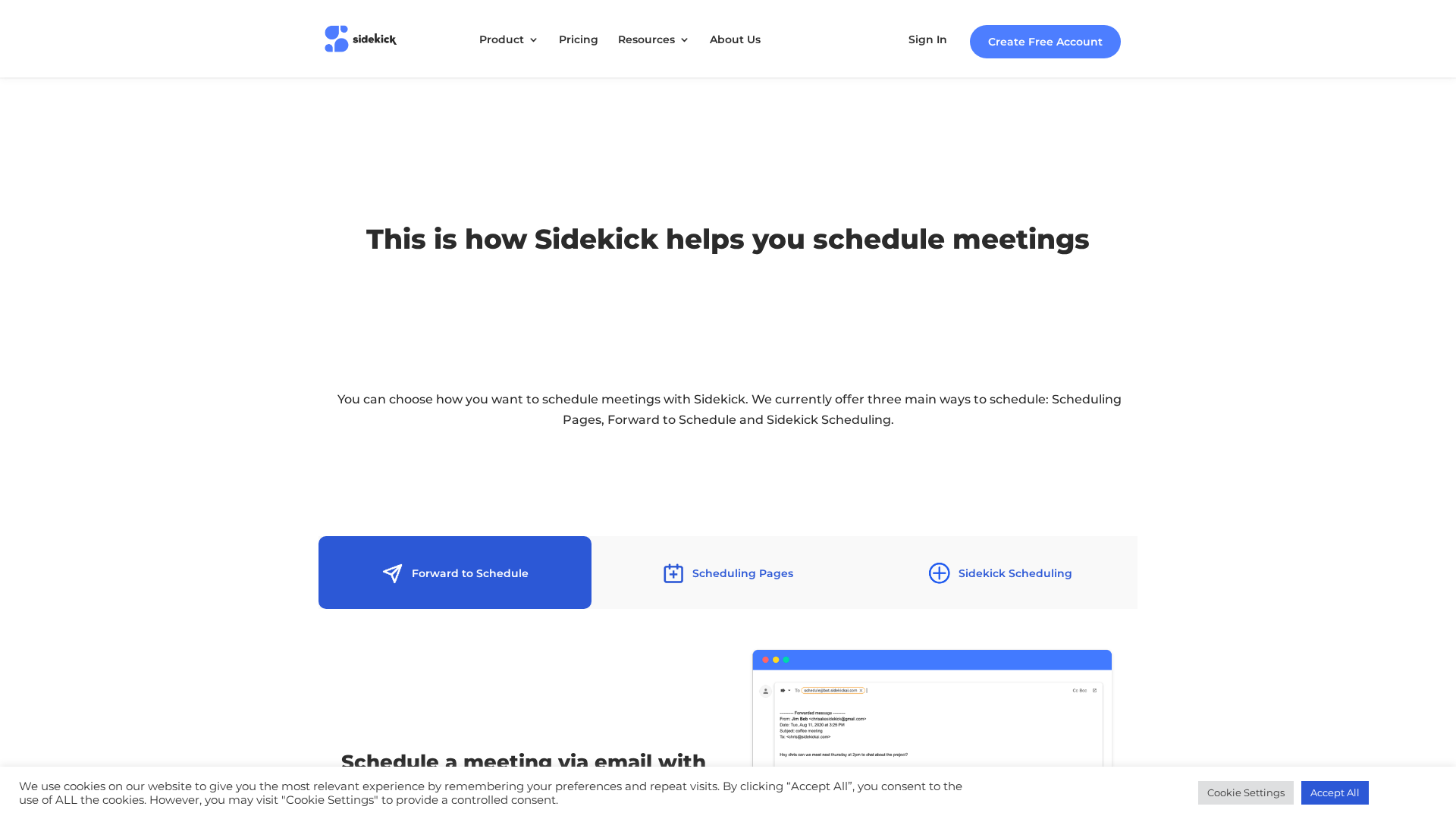
Sidekick AI is a web-based scheduling platform that uses AI and natural language processing to simplify booking meetings across connected calendars. It supports three primary scheduling methods—Scheduling Pages (shareable availability pages), Forward to Schedule (bookings by forwarding email messages), and Sidekick Scheduling (AI-suggested times across multiple calendars). The product emphasizes automation (reminders, automatic calendar events and invites), team scheduling (Team Pages), integrations with Google Calendar, Outlook/Microsoft 365 and popular virtual meeting providers (Google Meet, Zoom, Skype, Microsoft Teams), meeting analytics, and branding/white-label options (a Business BETA offering). Sidekick offers a free forever tier and low-cost paid plan, focusing on individuals, teams, and businesses that want to reduce scheduling friction and automate meeting logistics. (Summary based on the site’s homepage, product tour and pricing pages.)
Key Features
Scheduling Pages
Create and share a URL-based booking page with configurable availability and meeting types.
Forward to Schedule (Email-Forward Booking)
Forward an incoming scheduling request email to Sidekick and it will find times and book meetings automatically.
AI-Driven Multi-Calendar Scheduling
Uses AI and NLP to propose times by checking availability across multiple sources and handling conflicts automatically.
Team Pages and Group Scheduling
Create team pages, invite members to sync calendars, and let clients or partners pick times that work for teams.
Integrations
Connect Google Calendar, Outlook/Microsoft 365, and virtual meeting tools (Google Meet, Zoom, Skype, Teams) for seamless event creation.
Meeting Analytics & Stats
Meeting stats help identify common meeting days/times and provide usage metrics.
Who Can Use This Tool?
- Individuals:Schedule personal meetings and manage availability with a free scheduling page.
- Teams:Coordinate multi-person meetings using Team Pages and shared scheduling pages.
- Small Businesses:Automate client bookings, remove branding, and use meeting analytics to streamline operations.
Pricing Plans
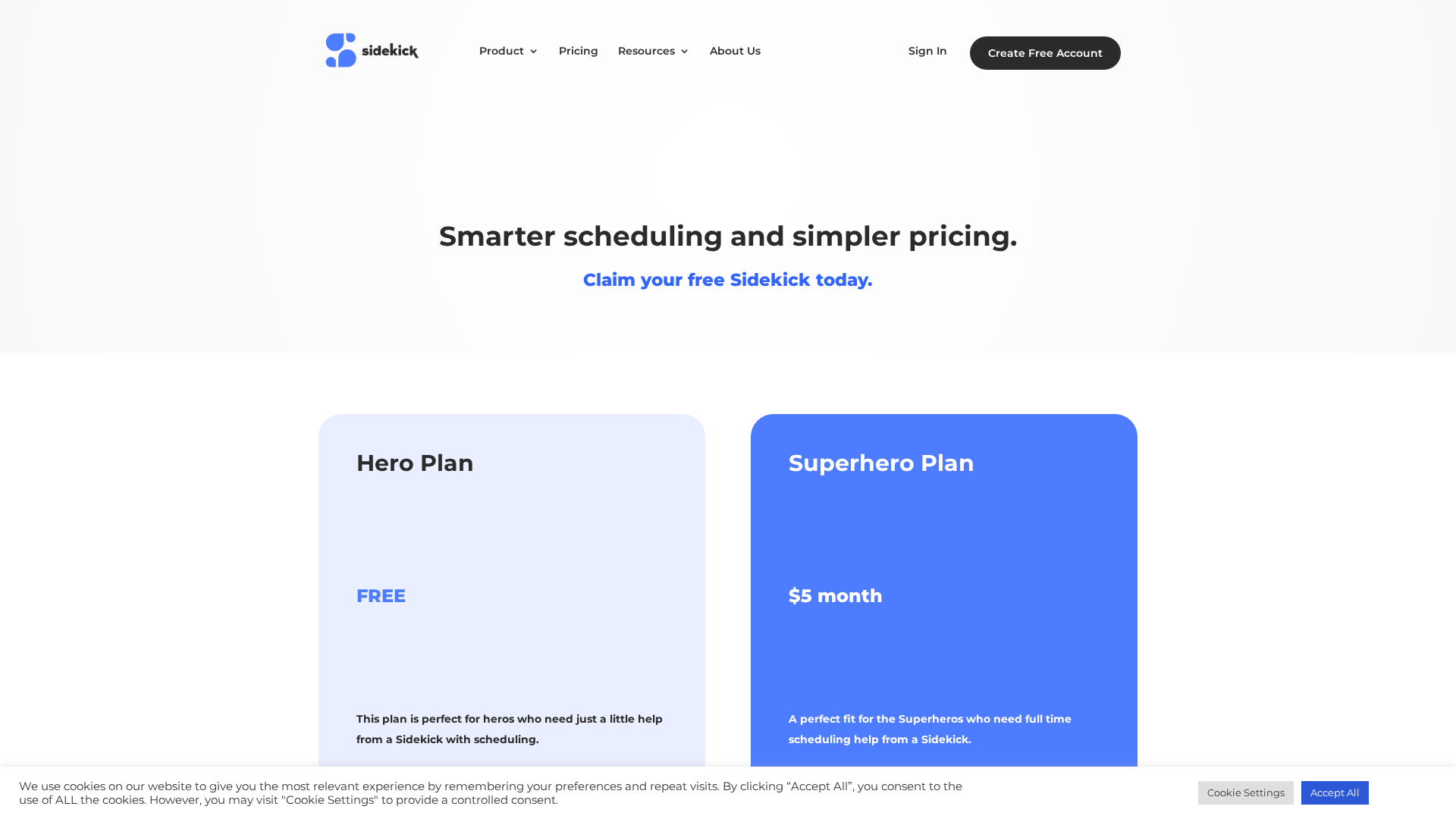
Free forever plan for users who need basic Sidekick scheduling features.
- ✓1 Connected Source
- ✓3 Scheduling Pages
- ✓Google, Outlook & Microsoft 365 integration
- ✓Unlimited Scheduled Meetings
- ✓Google Meet, Zoom, Skype & Teams support
- ✓Unlimited Groups & Contacts
- ✓Add your own logo
Paid plan for users needing full-time scheduling help and advanced features.
- ✓Everything in Free Plan
- ✓Unlimited Sources & Calendars
- ✓Remove Sidekick Branding
- ✓Forward to Schedule AI scheduling
- ✓Meeting Stats
- ✓Unlimited Scheduling Pages
- ✓Team Pages for team scheduling
Beta business plan offering near-whitelabel branding and business logo placement.
- ✓Add your business logo to all areas of the Sidekick Scheduling experience
- ✓Near full whitelabel experience
- ✓BETA — fill out form / schedule a demo for details
Pros & Cons
✓ Pros
- ✓AI-powered scheduling workflows (including Forward to Schedule) reduce manual coordination
- ✓Multiple scheduling methods (pages, email-forward, multi-calendar AI suggestions)
- ✓Integrations with Google Calendar, Outlook/Microsoft 365, and major video meeting providers
- ✓Free forever plan available plus low-cost $5/month paid tier
- ✓Team Pages and meeting analytics to support group scheduling and insights
- ✓Branding and near-whitelabel Business BETA for companies
✗ Cons
- ✗Full white-labeling appears limited and currently in BETA
- ✗Some site pages (features/docs) returned 404 during scraping; documentation may be incomplete or not reachable
- ✗No public enterprise pricing or detailed SLA/enterprise support information on site
- ✗Team Pages creation limited to Superhero plan (team members can join free but cannot create pages)
Compare with Alternatives
| Feature | Sidekick AI | BeforeSunset.ai | Setter AI (trysetter.com) |
|---|---|---|---|
| Pricing | $5/month | $8/month | $397/month |
| Rating | 8.4/10 | 8.0/10 | 8.3/10 |
| Booking Channels | Partial | No | Yes |
| Team Scheduling | Yes | Yes | Partial |
| Calendar Intelligence | Yes | Yes | Partial |
| Response Speed | Standard response times | Planner-oriented pace | Very fast ~10s responses |
| Automation Workflows | Partial | Partial | Yes |
| Multi-channel Outreach | Partial | No | Yes |
| Branding Controls | Yes | No | No |
Related Articles (5)
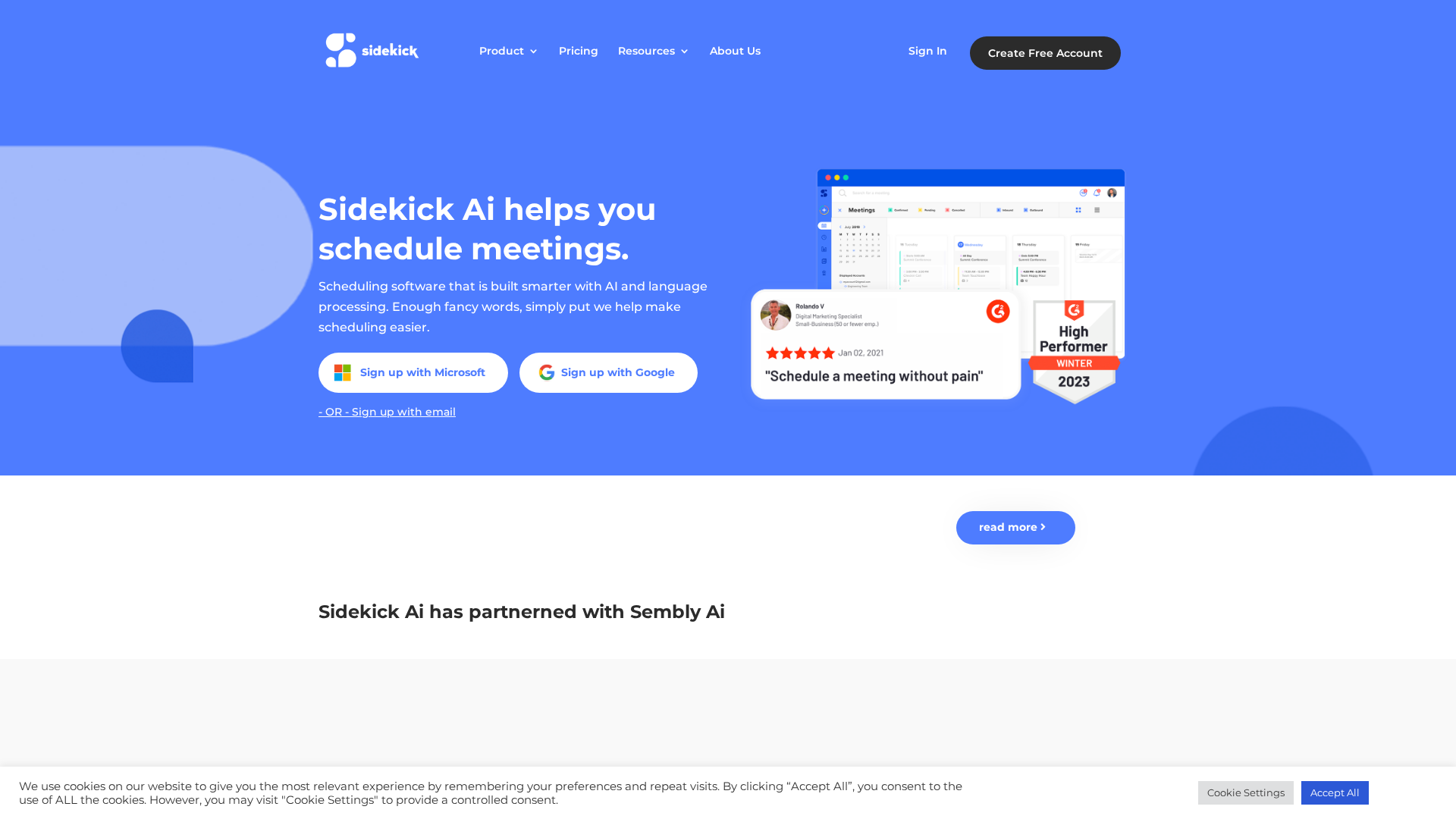
AI-powered scheduling with multiple booking methods, calendar integrations, and team collaboration.
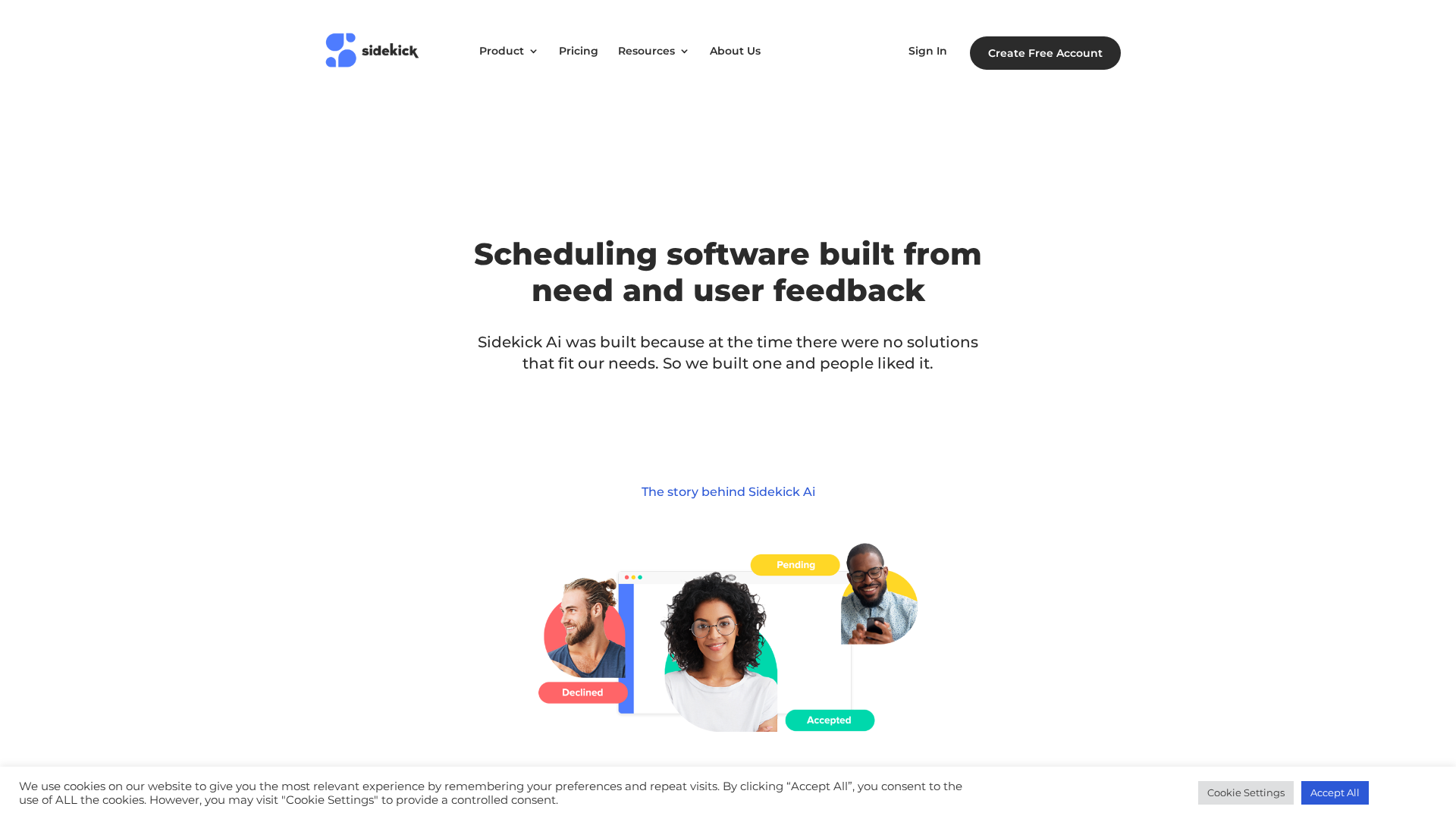
Sidekick AI's product tour showcases flexible scheduling options, branding control, and team coordination features.
Sidekick Ai pitches itself as X.ai’s replacement, offering email-based scheduling with Forward to Schedule and a free-forever plan.
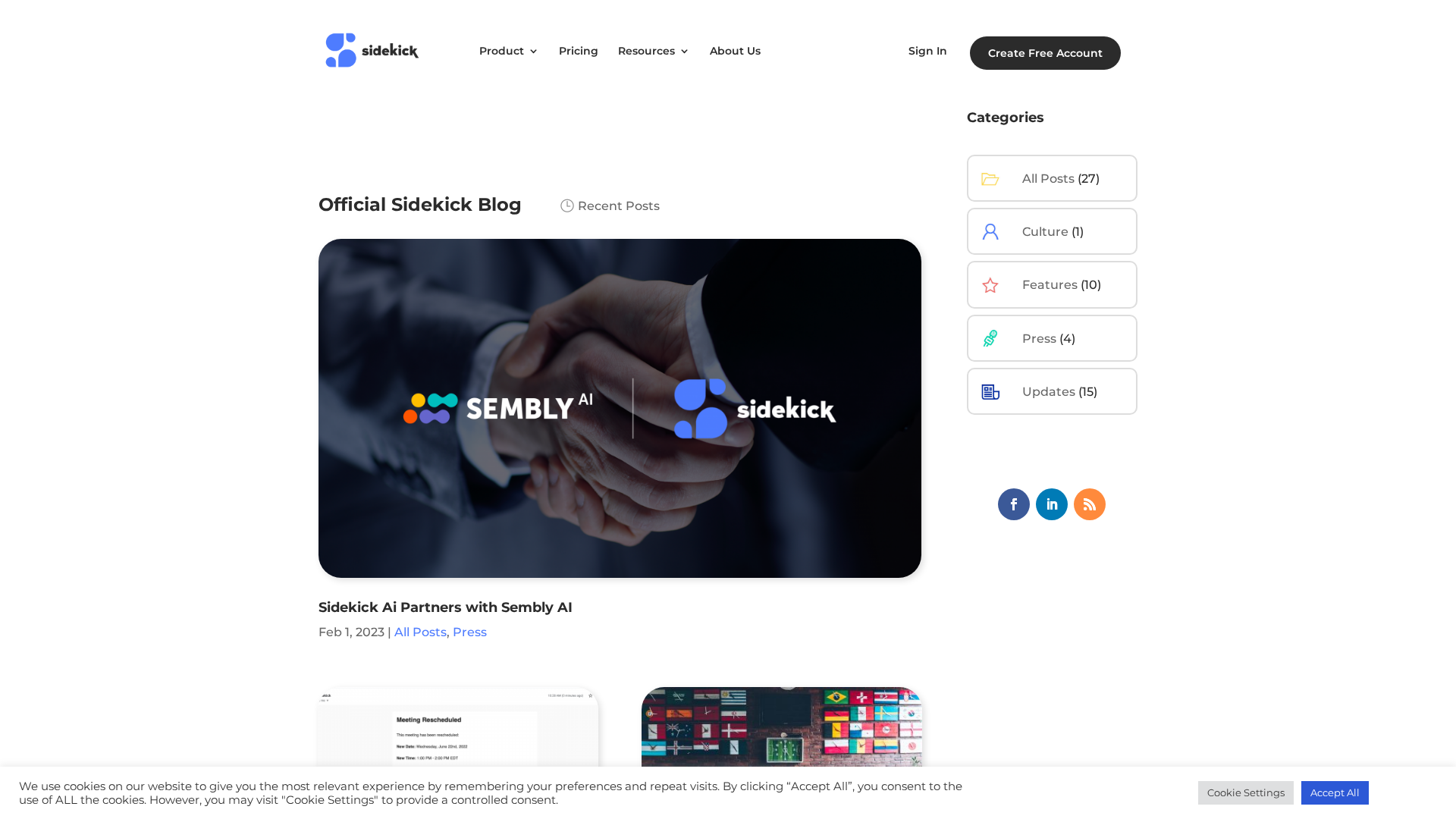
A hub of Sidekick AI updates: partnerships, features, Teams integration, and growth milestones.
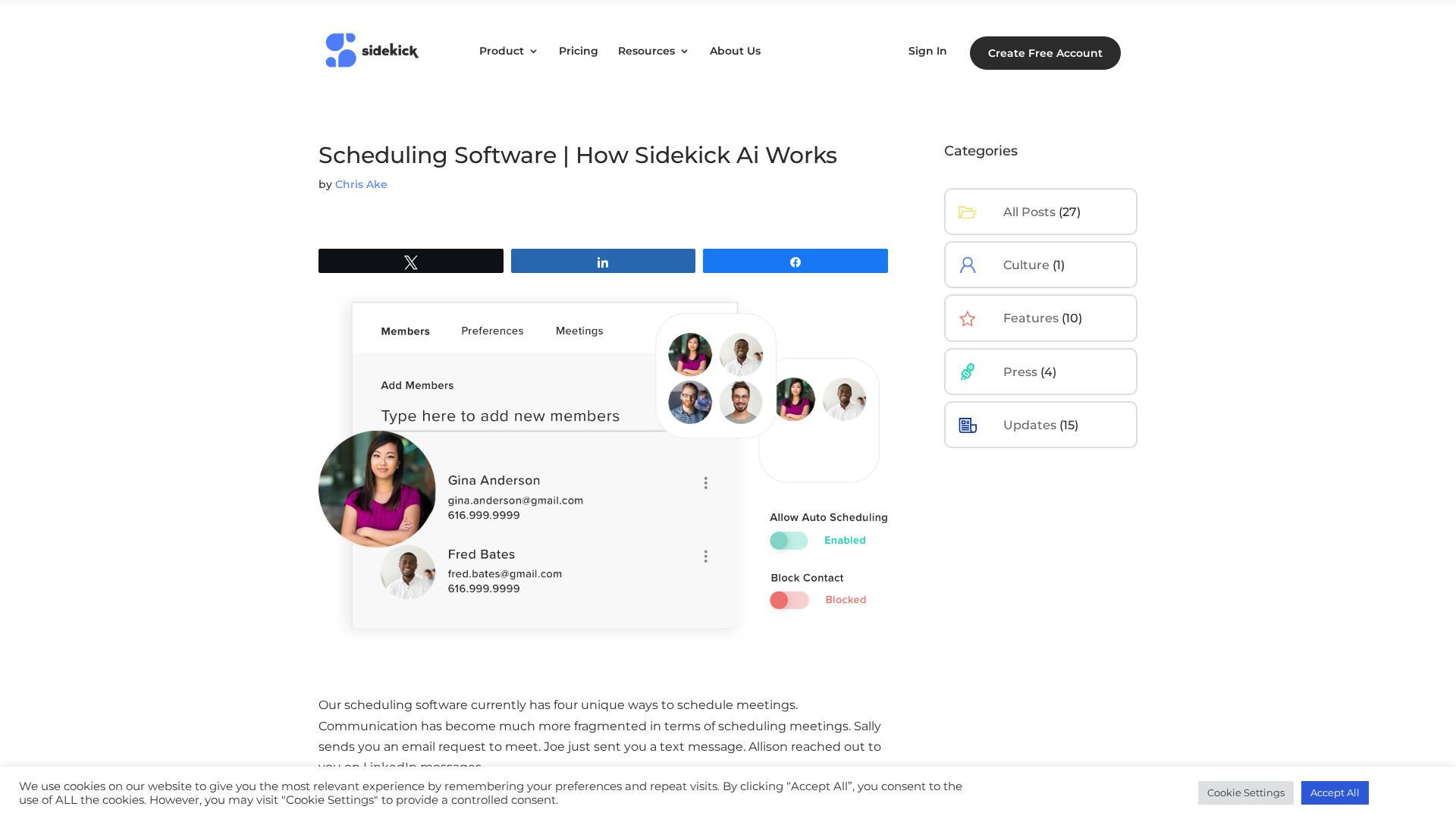
Discover Sidekick Ai's four scheduling features—Forward to Schedule, Scheduling Link, Sidekick Scheduling, and Auto Scheduling—and how they streamline meeting bookings.