Overview
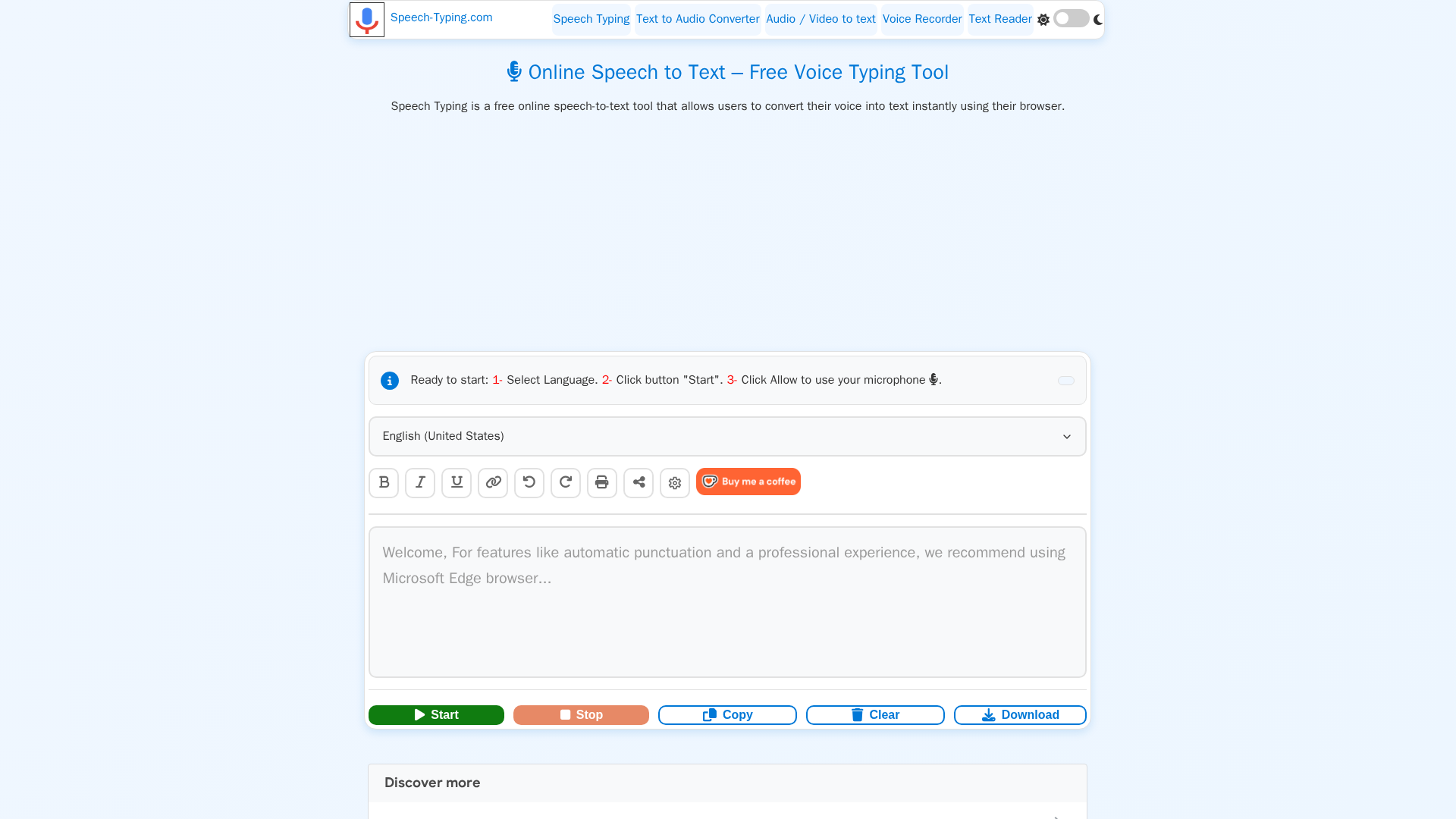
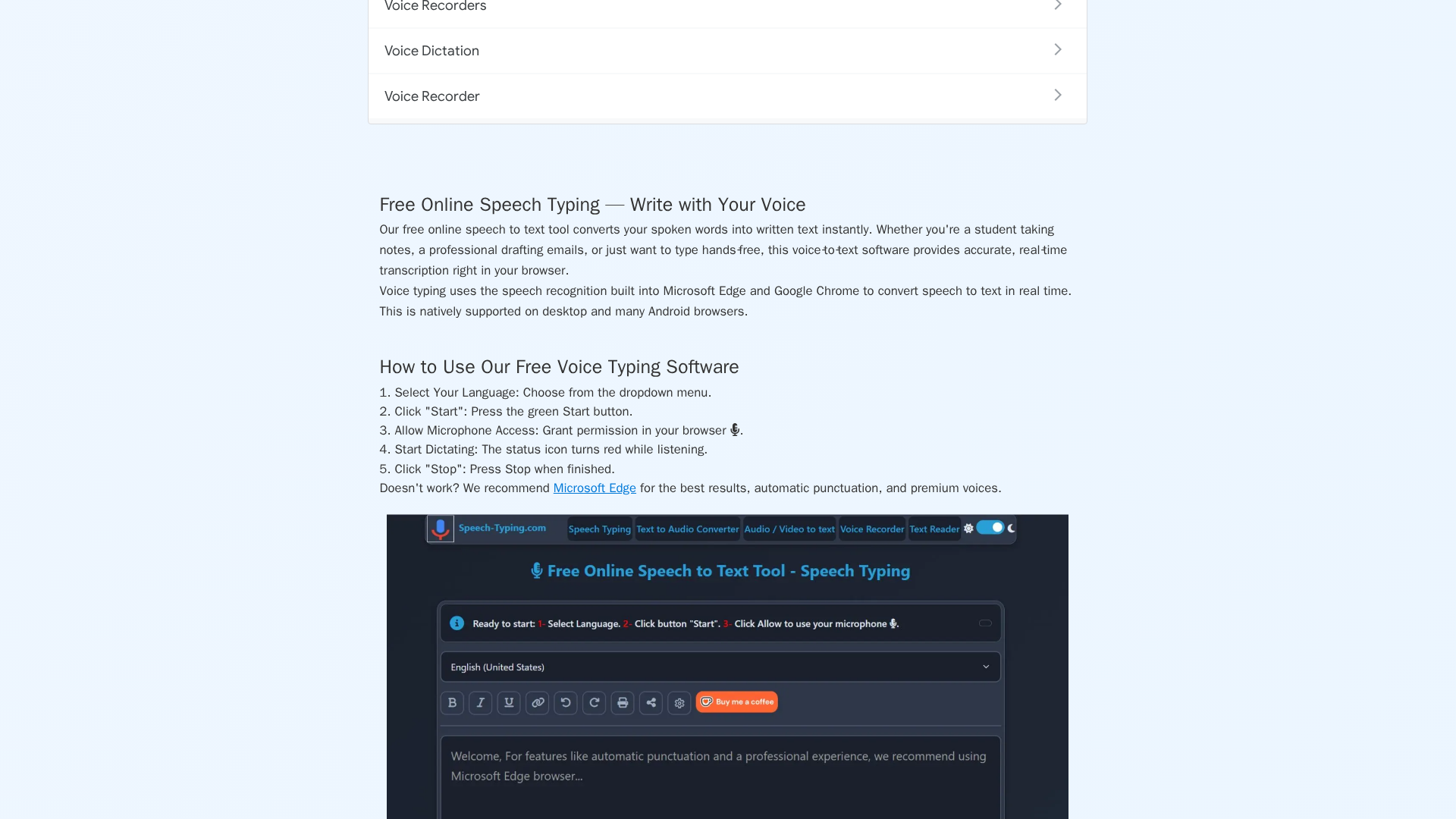
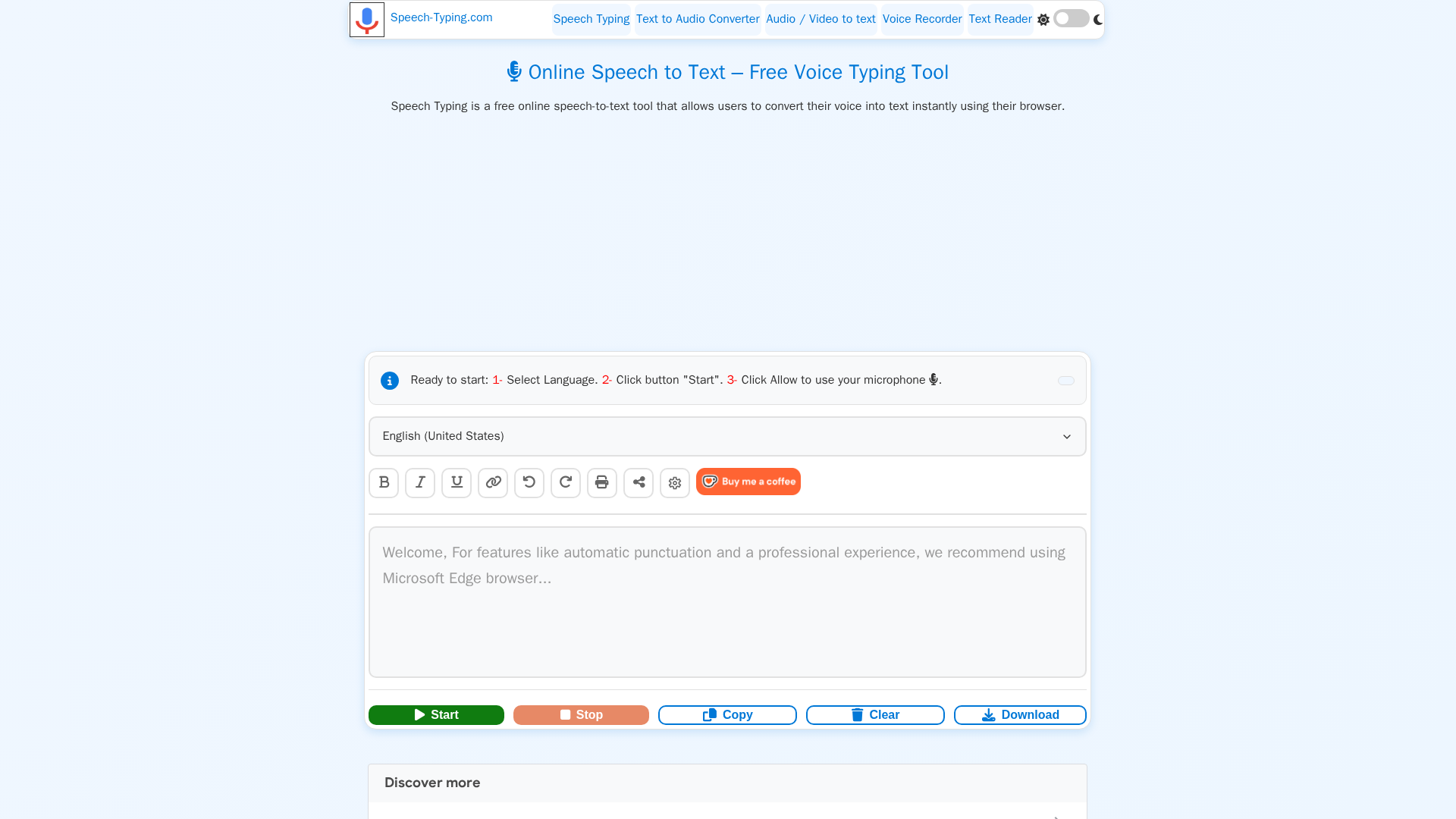
Speech Typing is a free, browser-first suite of voice tools that provides real-time speech-to-text (voice typing and dictation), multilingual text-to-speech (TTS), and simple in-browser audio recording and conversion utilities. The service runs primarily using built-in Web Speech APIs and browser speech engines (Chrome, Edge, Safari, Firefox), which lets transcription and TTS occur locally or via secure browser-provider connections. Because it relies on client-side/browser speech engines, Speech Typing can offer high-quality, low-cost services without downloads, accounts, or subscription fees. The site highlights hands-free punctuation commands, smart capitalization, download/export (TXT/DOC/MP3), and support for 100+ languages and voices. Privacy is emphasized — the site states recordings aren’t stored by the service and that audio processing is local or handled via secure browser links. The product targets students, professionals, content creators, and users needing accessibility features.
Key Features
Real-time In-Browser Speech-to-Text
Convert spoken words to text instantly in your browser; supports dictation, editing, and export.
Multilingual Support (100+ Languages)
Broad language and accent coverage for both ASR (speech-to-text) and TTS with selectable voices.
Privacy-First Local/Browser Processing
Tool emphasizes that audio is processed in-browser or over secure browser-provider connections and that recordings are not stored.
Hands-Free Punctuation & Editing Commands
Voice commands for punctuation (e.g., "period", "new paragraph") and editor toolbar formatting.
Download & Export Options
Export transcripts as TXT or DOC, print, copy or share. TTS outputs downloadable MP3s.
Multilingual Text-to-Speech (TTS) with Premium Voices on Edge
Natural-sounding TTS across many languages; more premium voices available when using Microsoft Edge.
Who Can Use This Tool?
- Students:Take lecture notes and draft essays hands-free with real-time dictation and export.
- Professionals:Quickly create emails, meeting notes, and documentation using browser voice typing.
- Content Creators:Draft scripts, blog posts, and subtitles with fast dictation and multilingual TTS outputs.
- Accessibility Users:Assist users with dysgraphia or low vision by converting speech to text and reading text aloud.
- Educators:Produce lecture transcripts, reading materials, and multilingual audio using free browser tools.
Pricing Plans
Fully free browser-based speech-to-text with download and formatting features.
- ✓100% free and online — no download, installation, or registration
- ✓Real-time speech-to-text in the browser using Edge/Chrome
- ✓Copy, save, download as .TXT or .DOC, print, or share transcripts
- ✓Supports 100+ languages and accents
- ✓Voice commands for punctuation and formatting
- ✓Smart capitalization and editor formatting tools
- ✓Works on mobile, desktop, and tablet; no signup required
Pros & Cons
✓ Pros
- ✓Completely free and no registration required
- ✓Works directly in browser (no installs) across desktop and mobile
- ✓Strong multilingual coverage (100+ languages and voices)
- ✓Privacy-first messaging: no stored recordings and local/browser processing
- ✓Useful editor tools: voice punctuation, smart capitalization, export options
✗ Cons
- ✗Features depend on browser speech engine support (Edge/Chrome best)
- ✗No dedicated native desktop/mobile apps or public API
- ✗Limited documented company information and launch details
- ✗Few independent third-party reviews or enterprise references found
- ✗Some premium voice features require Microsoft Edge