Topic Overview
This topic examines three overlapping classes of creative tooling—consumer meme creators (e.g., Google Photos Meme Maker), high‑quality text‑to‑image generators (e.g., Midjourney), and integrated design/ editing AI (e.g., Canva Magic Design)—and how complementary tools (Pic‑Tool, Playground AI, Pollinations.AI, Pixlr, remove.bg) fit into production and marketing pipelines. As of 2026, demand for fast, editable, and brand‑safe visuals has pushed vendors toward opinionated, template‑driven experiences (Google Photos, Canva) while specialist generators and open‑source projects (Midjourney, Pic‑Tool, Pollinations) focus on fidelity, style control, and API access. Browser‑first editors and utilities (Pixlr, remove.bg, Playground AI) address iterative workflows: background removal, upscaling, rapid edits, and export in marketing formats. Key tradeoffs are quality versus editability and privacy versus convenience. Midjourney and similar models deliver stylized, high‑resolution outputs suited to campaign hero imagery but often require downstream editing and careful licensing review. Canva Magic Design prioritizes ready‑to‑use, on‑brand, editable assets that accelerate social and presentation workflows. Google Photos’ meme features illustrate consumer‑grade, template‑based creative affordances for rapid social sharing. Open and privacy‑focused tools (Pic‑Tool, Pollinations) provide alternatives for high‑resolution generation without heavy vendor lock‑in. For marketers and creative teams the considerations include asset attribution, licensing, integration with analytics/attribution systems, and repeatable templates for brand consistency. This comparison helps buyers choose tools based on desired control (prompt fidelity vs editable templates), operational needs (APIs and bulk workflows), and policy/privacy constraints, rather than marketing claims.
Tool Rankings – Top 6
Canva’s AI-powered design generator that creates editable, on-brand designs from prompts and uploaded media.

A free web tool that creates high-resolution images from text prompts with selectable sizes.

Free AI-powered design tool for creating logos, T-shirts, social graphics, and AI images.

Free, open-source generative AI API for images, text, and audio.

A free, browser-based AI photo editor, image generator, and design studio.

AI-powered single-click background removal and replacement for images (transparent PNGs, bulk workflows, API).
Latest Articles (25)
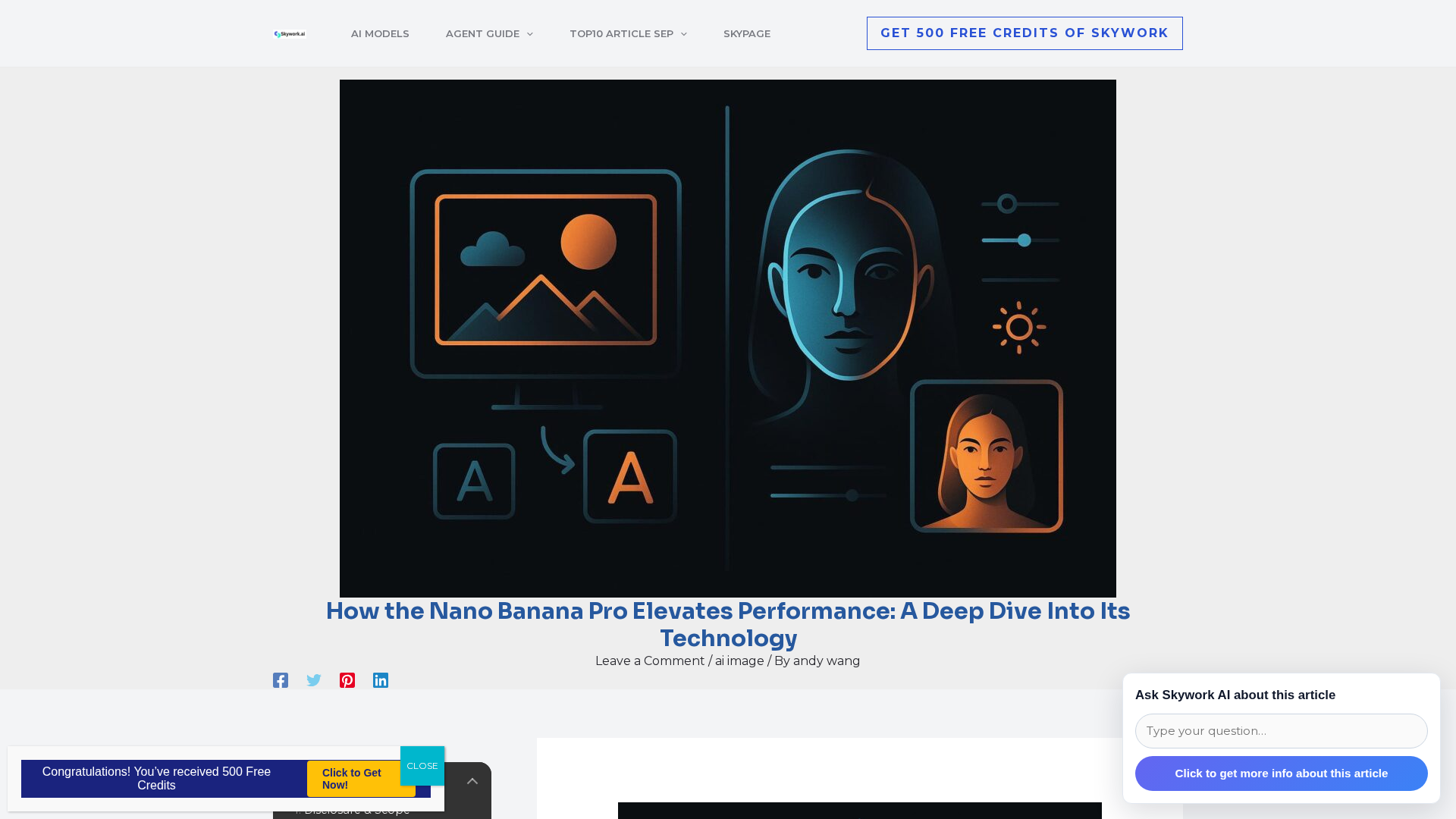
Independent review of Nano Banana Pro (Gemini 3 Pro Image) focusing on precision controls, localized edits, multi‑image blending, and provenance features.
Nine AI slide tools for educators, tested for speed, alignment, and seamless Google/PowerPoint integration.
Gemini 3 dominates benchmarks with a dramatic ARC-AGI 2 lead and new agentic capabilities.
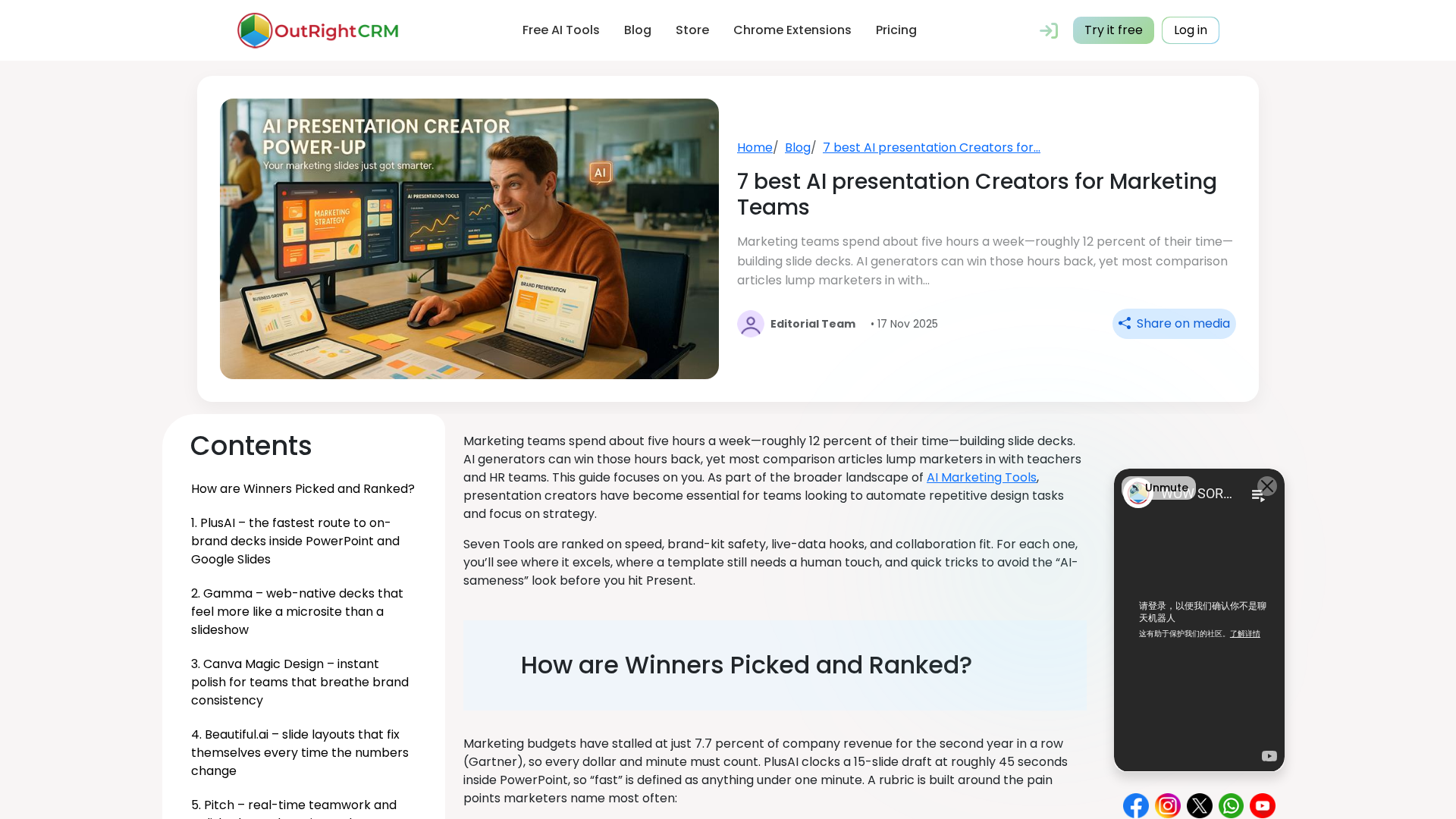
A marketer-focused comparison of 7 AI presentation creators, detailing strengths, pricing, and the best fit for different team workflows.
The page requires JavaScript to load, leaving no readable article content.