Topic Overview
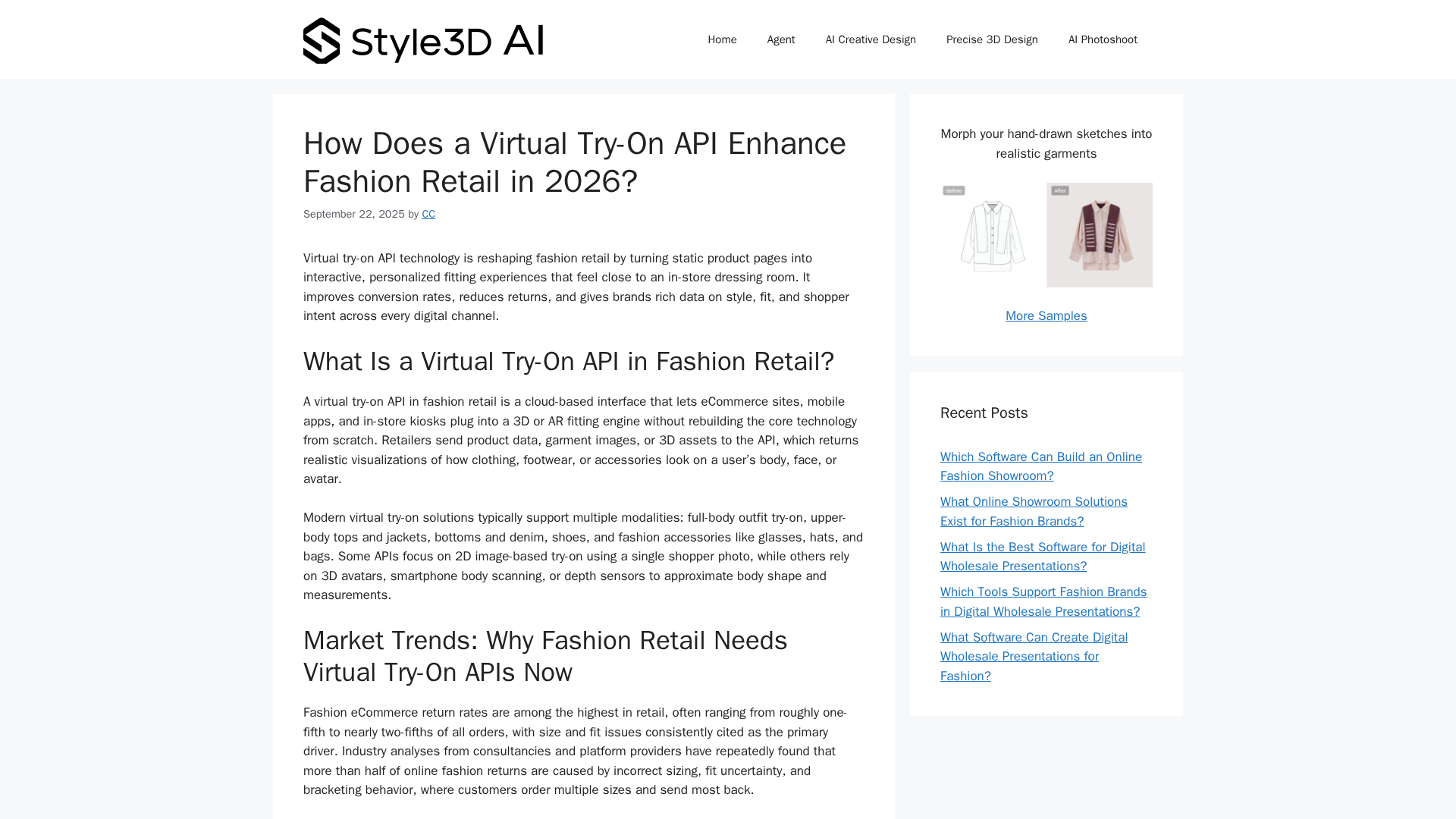
This topic examines how dedicated virtual try‑on APIs (exemplified by Google’s Virtual Try‑On) compare with broader retail AI platforms that bundle personalization, shopping assistants, and vision services. Virtual try‑on APIs focus on accurate garment/asset placement, body/face segmentation and low‑latency inference for AR and photo‑real on‑model rendering; they’re typically used where fit, realism and cross‑device performance matter. Retail AI platforms, by contrast, combine multiple capabilities — AI shopping assistants, product discovery, CX automation and edge vision — into composable flows for search, recommendations, and post‑purchase experiences. As of May 2026, pressure to reduce returns and improve conversion keeps virtual try‑on and personalized discovery central to commerce stacks. Key technical trends include on‑device/edge inference for privacy and responsiveness, modular APIs that integrate with creative pipelines, and the growing role of generative imagery to fill catalog gaps. Practical tool roles in these workflows: Whatmore Studio converts single product shots into photoreal on‑model photos and short reels; Adobe Firefly and Jasper Art provide generative assets and editable visuals for campaigns; Pixlr and ImgLarger handle browser‑based edits and upscaling for production; Anakin.ai offers no‑code automation to orchestrate tasks at scale. Choosing between a specialist try‑on API and an integrated retail AI platform is a tradeoff: APIs give control over fit models and latency, platforms speed deployment with bundled personalization and CX automation. For most merchants the optimal approach is hybrid—use dedicated try‑on and creative tools for visual fidelity while leveraging retail AI platforms for recommendation, search, and automation integration.
Tool Rankings – Top 6

No-code AI tool that converts single product images into studio-quality on-model photos and reels-style videos for e‑com
A generative-AI suite by Adobe for creators producing images, vectors, text effects, audio and video, integrated with CC

Jasper Art (AI Image Suite) — text-to-image generation and scalable image editing inside Jasper and via the Image API.

A free, browser-based AI photo editor, image generator, and design studio.

AI-powered image upscaler and toolkit for enlarging, enhancing, denoising and editing images.
A no-code AI platform with 1000+ built-in AI apps for content generation, document search, automation, batch processing,
Latest Articles (63)
Google's Gemini 3 Pro Image-powered Nano Banana Pro delivers 4K AI images with advanced text rendering, multi-image fusion, and fast generation.
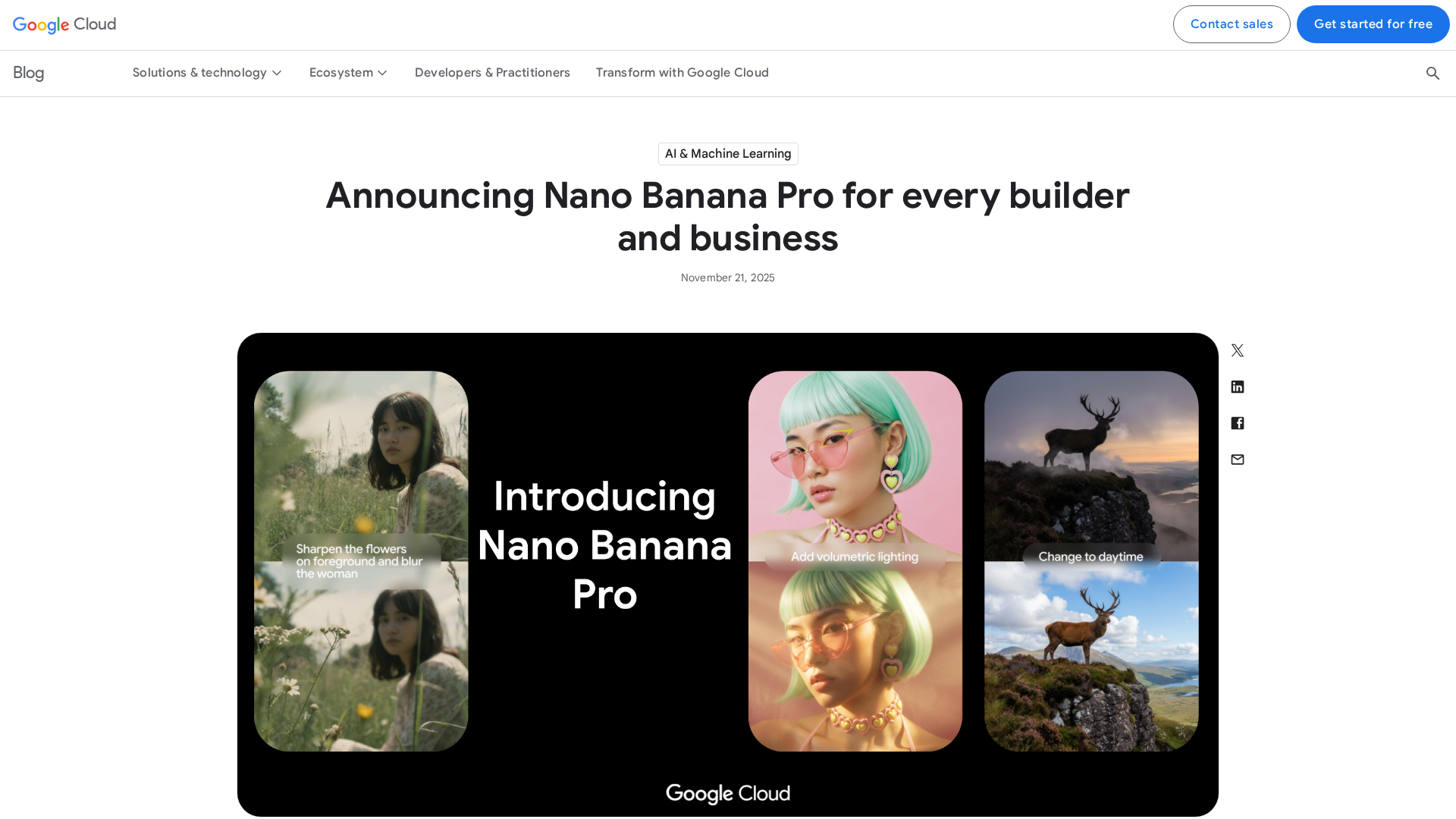
Nano Banana Pro: enterprise-grade Gemini 3 Pro image model with multilingual rendering, brand fidelity, and production-grade assets in Vertex AI, Workspace, and soon Gemini Enterprise.

Humain and Adobe announce a global partnership to build Arab-world AI models and AI-powered applications.
HUMAIN and Adobe announce a global partnership to build culturally aware AI models and apps for the Arab world, backed by Qualcomm infrastructure.

Please enable JS and disable any ad blockerPlease enable JS and disable any ad blocker