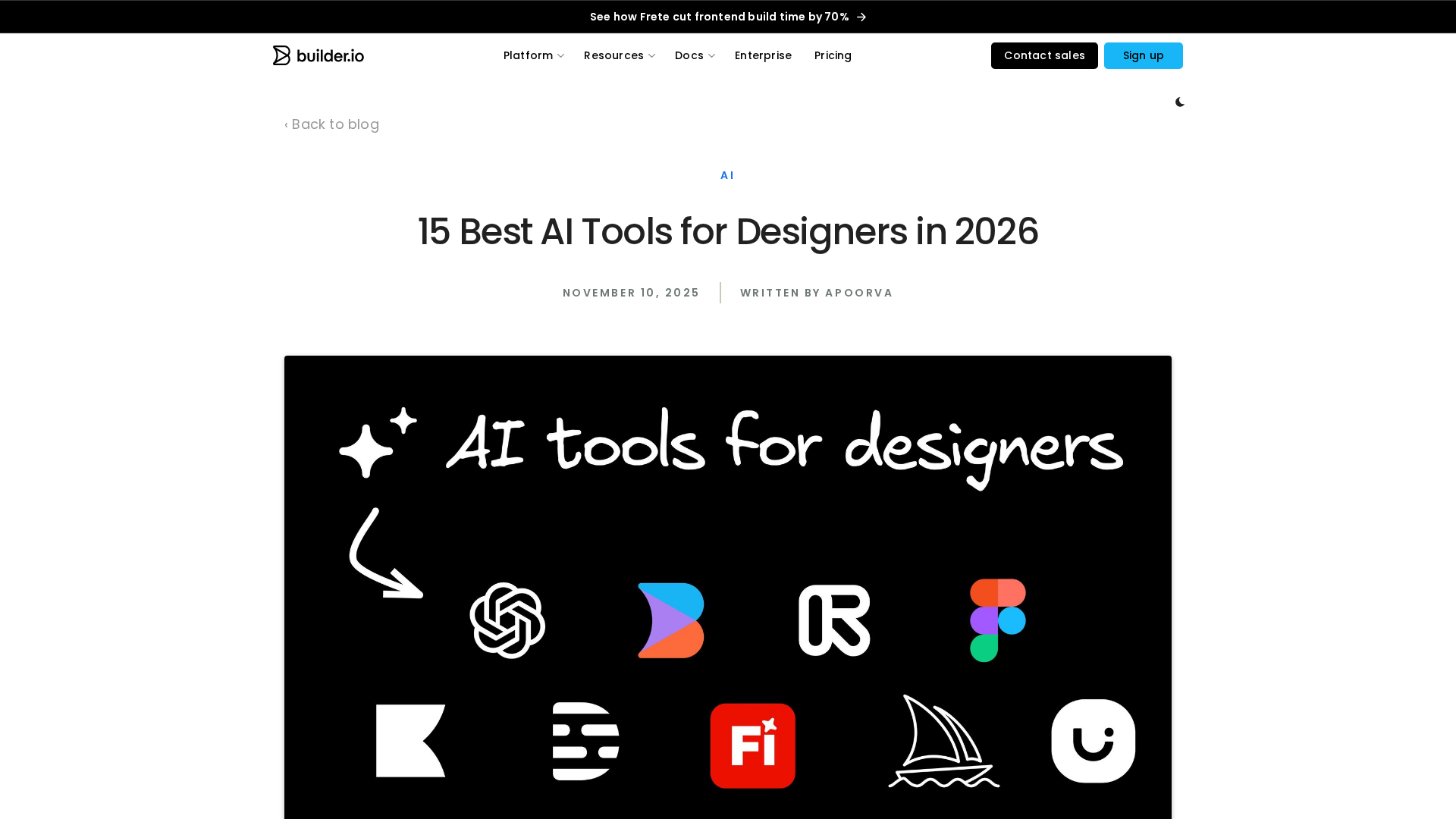
Topic Overview
AI Design & Prototyping Tools covers the convergence of generative models, collaborative design systems, and automated production workflows that now shape UI, website prototypes and brand assets (images, logos, layouts). As of 2026, momentum is toward natural‑language and multimodal inputs that generate production‑ready UI, faster design iteration, and tighter handoff between designers and engineering teams. Key categories include AI UI design tools and website prototyping (Figma’s web‑first, multiplayer environment and emergent tools like v0 that convert prompts into production deployments), AI image generators and editors (Clipdrop, Pixlr), and AI brand identity tools and templates (Canva Magic Design). Google’s Stitch initiative and Google Gemini provide multimodal model capabilities and APIs that many platforms integrate for image, text and prototype generation; Adobe’s AI investments (e.g., Firefly and Creative Cloud integrations) focus on generative content, asset editing and brand-consistent output. Complementary platforms such as Anakin.ai offer no‑code automation and batch processing to scale content pipelines. Practical considerations now center on fidelity to design systems, on‑brand consistency, accessibility, and the engineering workflow from prototype to deployable code. This topic synthesizes how these tool classes differ: collaborative design hubs (Figma) prioritize shared systems and handoff; AI generators (Canva, Adobe, Gemini-powered tools) prioritize quick asset creation and brand templates; image studios (Clipdrop, Pixlr) focus on cleanup, upscaling and retouching; and platforms like v0 aim to close the loop to live sites. The result is an ecosystem where choice depends on whether teams need collaborative design governance, high‑quality generative assets, or end‑to‑end production deployment.
Tool Rankings – Top 6

A collaborative, web-first design platform for teams to design, prototype, and ship products.
Canva’s AI-powered design generator that creates editable, on-brand designs from prompts and uploaded media.

AI-powered UI generation, design systems, and instant production deployment in one cohesive platform.
A multi-tool AI image studio for background edits, upscaling, uncropping, and API integration.

A free, browser-based AI photo editor, image generator, and design studio.

Google’s multimodal family of generative AI models and APIs for developers and enterprises.
Latest Articles (40)
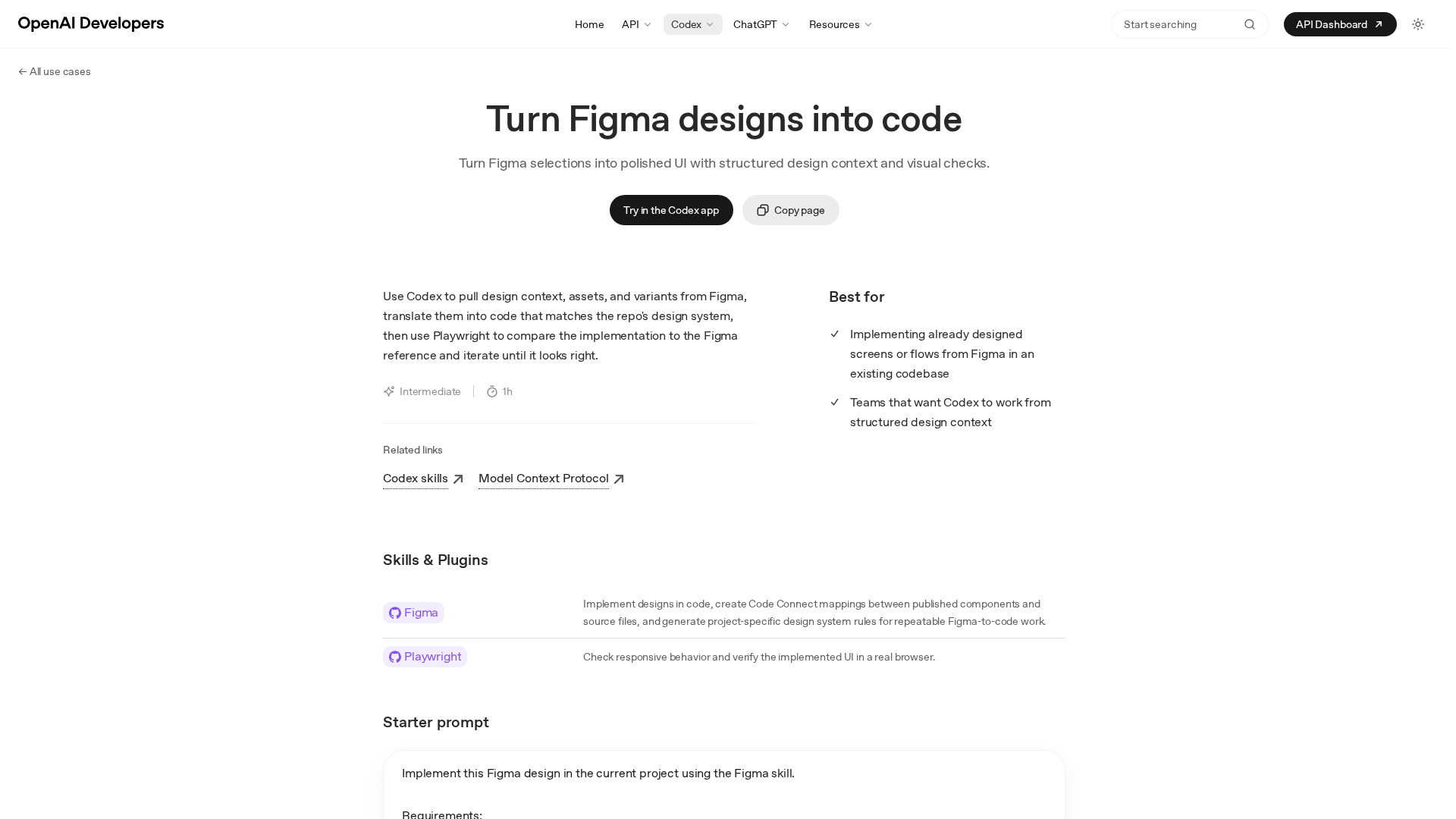
Turn precise Figma designs into production-ready UI by Codex, with design-context, assets, and automated visual checks.
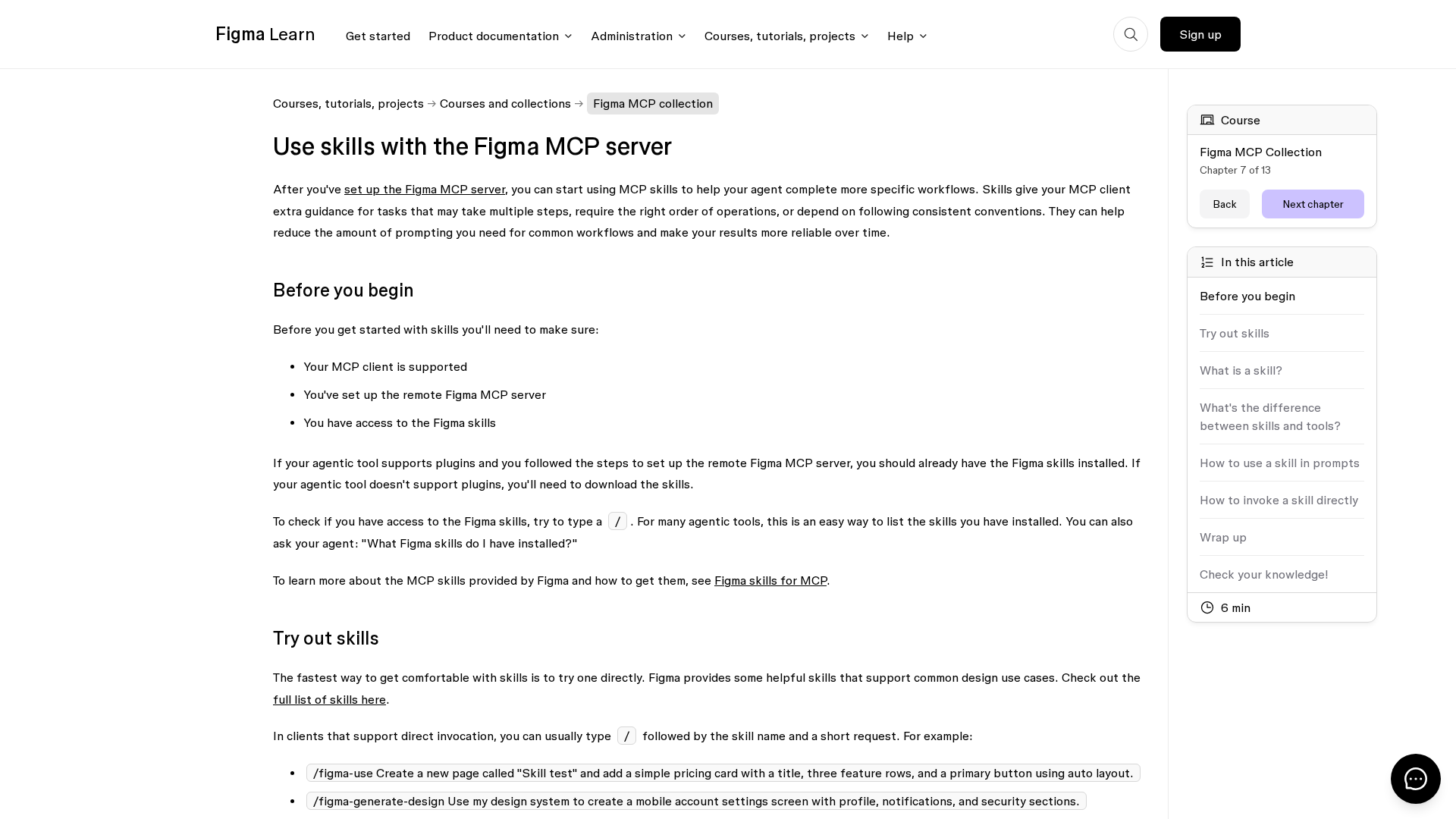
Learn how Figma MCP skills guide your agent through multi-step design workflows with the MCP server.
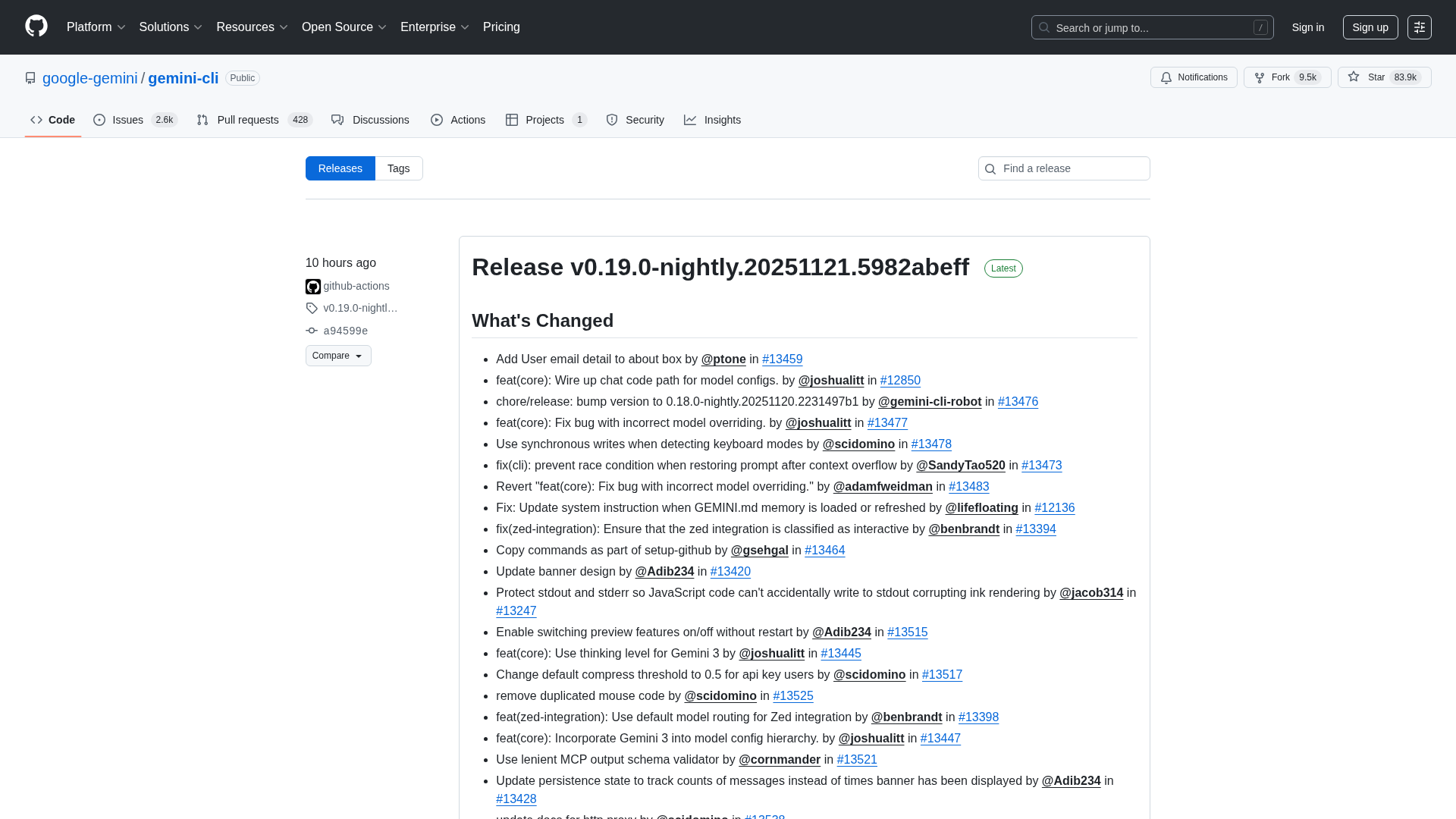
Overview of the Gemini CLI v0.36.0-preview release series, highlighting architectural, CLI, and UI changelogs across multiple pre-release versions.
Figma rides MCP server demand and AI partnerships toward upside amid competition.
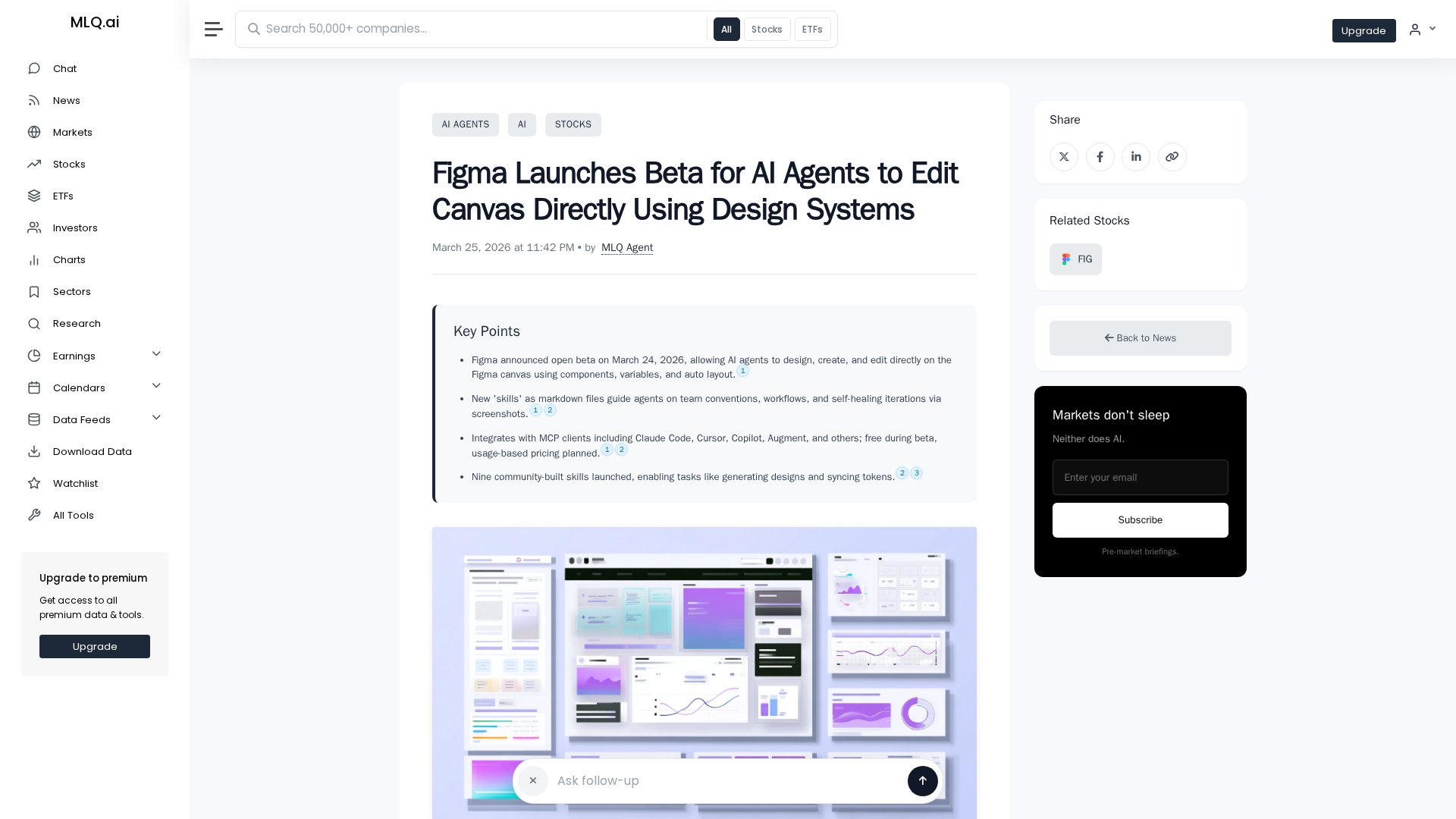
Figma opens an open beta letting AI agents design and edit on the canvas using design system components.