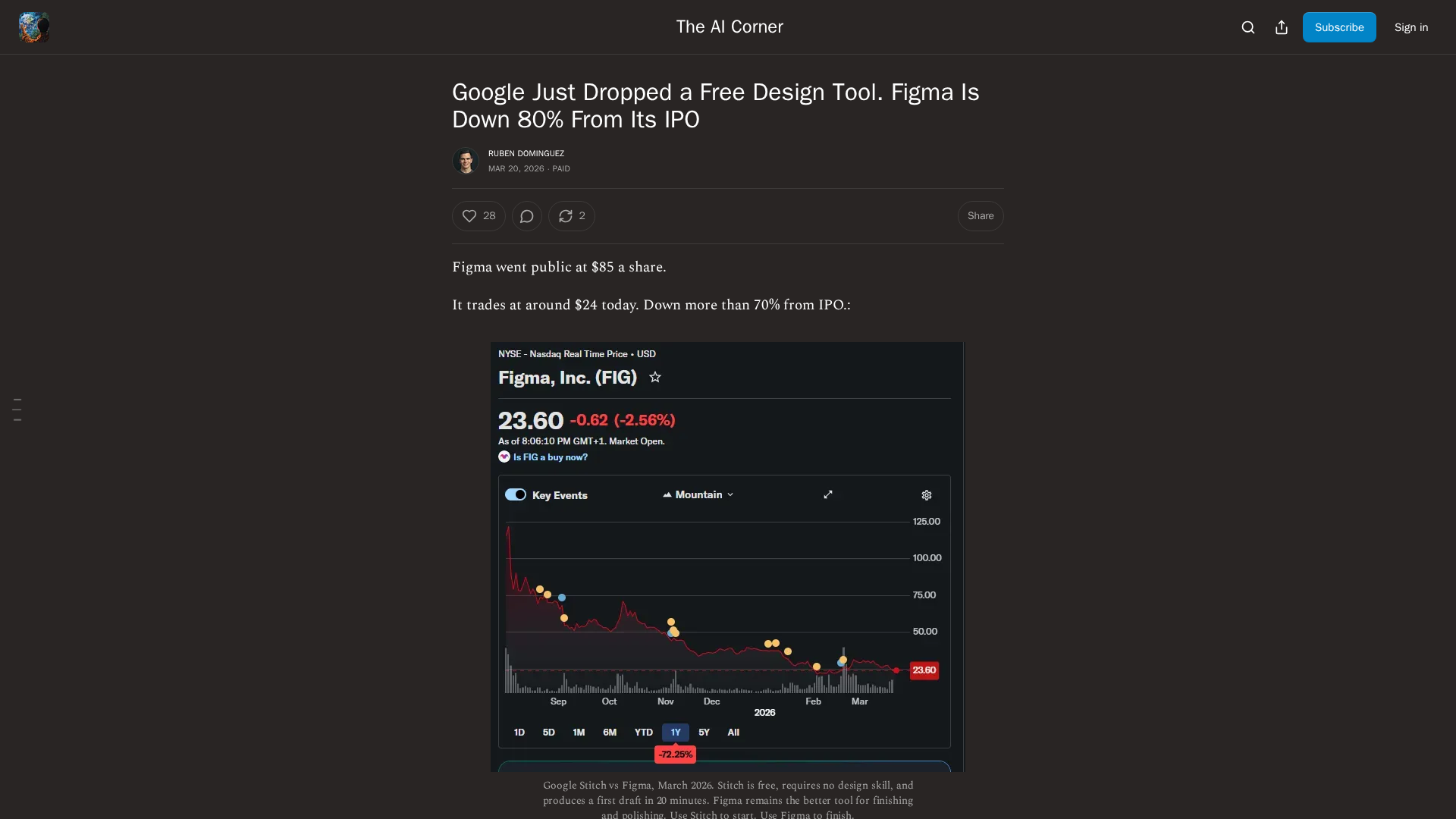
Topic Overview
AI-driven UI design tools combine generative models, design systems, and collaboration to accelerate interface exploration, prototyping, and handoff. As of 2026-03-21 this topic matters because teams increasingly expect AI to produce usable screens, maintain brand constraints, and export developer-ready artifacts—shifting where design work, iteration speed, and production deployment happen. Key tools cover complementary roles: Figma remains the web-first collaborative workspace for shared design systems, real-time editing, and prototyping; Adobe Firefly supplies generative assets (images, vectors, and effects) integrated into Creative Cloud workflows; v0 (from Vercel) targets conversion of natural-language ideas into production-ready web apps with AI-generated UI plus visual Design Mode and instant deployment; Canva Magic Design focuses on rapid, on-brand editable layouts for marketing and presentation formats; Magify and similar plugins generate UI from prompts and export editable files into Figma; Pixlr provides browser-based AI image editing and quick asset preparation. Google’s Stitch represents the larger trend of platform vendors experimenting with AI UI generation and tighter product integration. Practically, teams choose tools by workflow: exploratory ideation and system governance in Figma, generative assets in Firefly or Pixlr, rapid marketing or social outputs in Canva, and end-to-end prototype→production pipelines with v0 or platform-native offerings. Critical considerations in 2026 include design token fidelity, accessibility, ownership/licensing of generated content, cross-tool interoperability, and the gap between “prototype” and truly production-ready code. Understanding strengths and handoff patterns of each tool helps teams pick the right mix for iteration speed, consistency, and deployment needs.
Tool Rankings – Top 6

A collaborative, web-first design platform for teams to design, prototype, and ship products.

AI-powered UI generation, design systems, and instant production deployment in one cohesive platform.
Canva’s AI-powered design generator that creates editable, on-brand designs from prompts and uploaded media.
AI-powered UI/UX design platform that generates designs from text prompts and exports editable results to Figma.
A generative-AI suite by Adobe for creators producing images, vectors, text effects, audio and video, integrated with CC

A free, browser-based AI photo editor, image generator, and design studio.
Latest Articles (31)
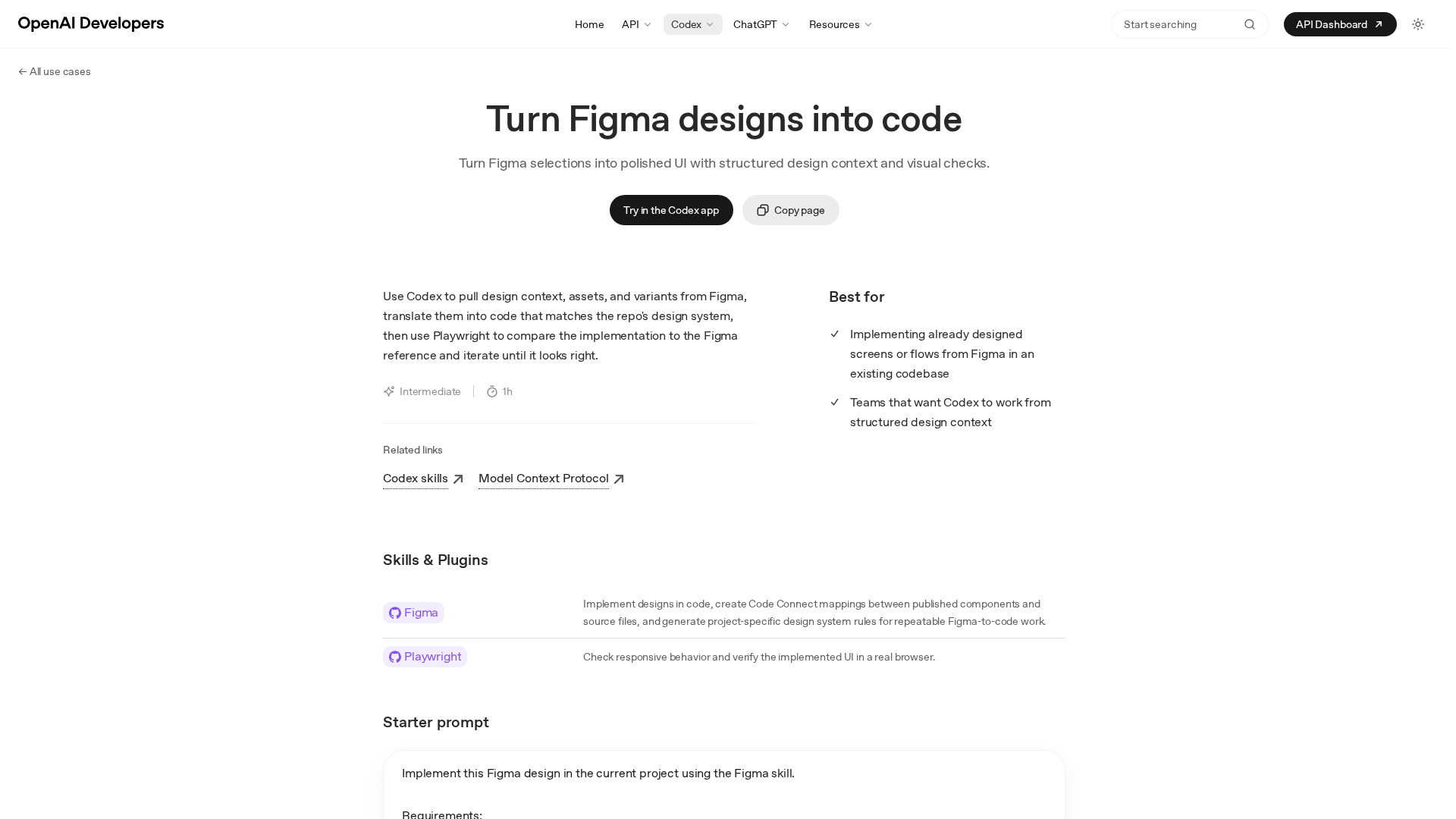
Turn precise Figma designs into production-ready UI by Codex, with design-context, assets, and automated visual checks.
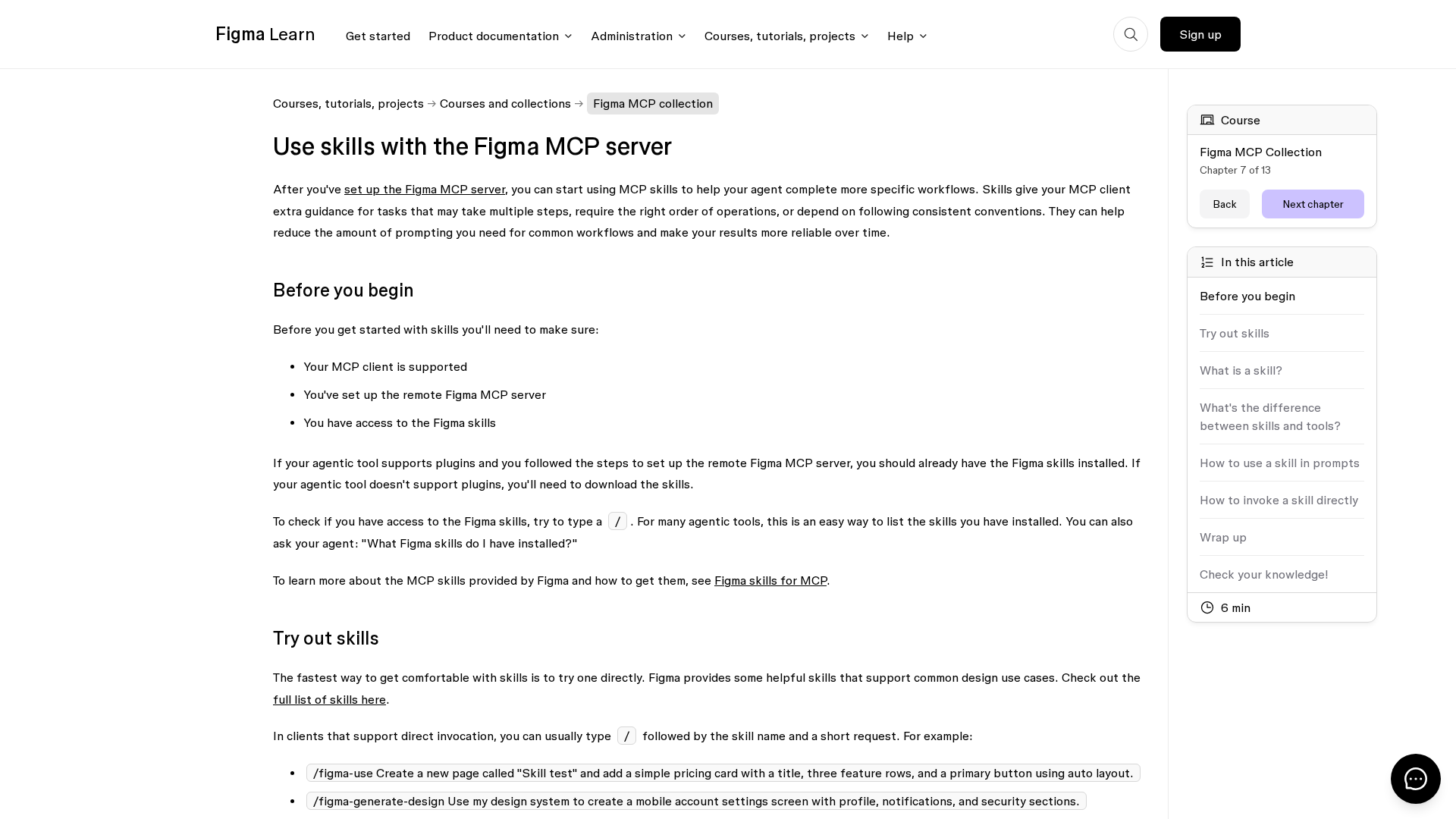
Learn how Figma MCP skills guide your agent through multi-step design workflows with the MCP server.
Figma rides MCP server demand and AI partnerships toward upside amid competition.
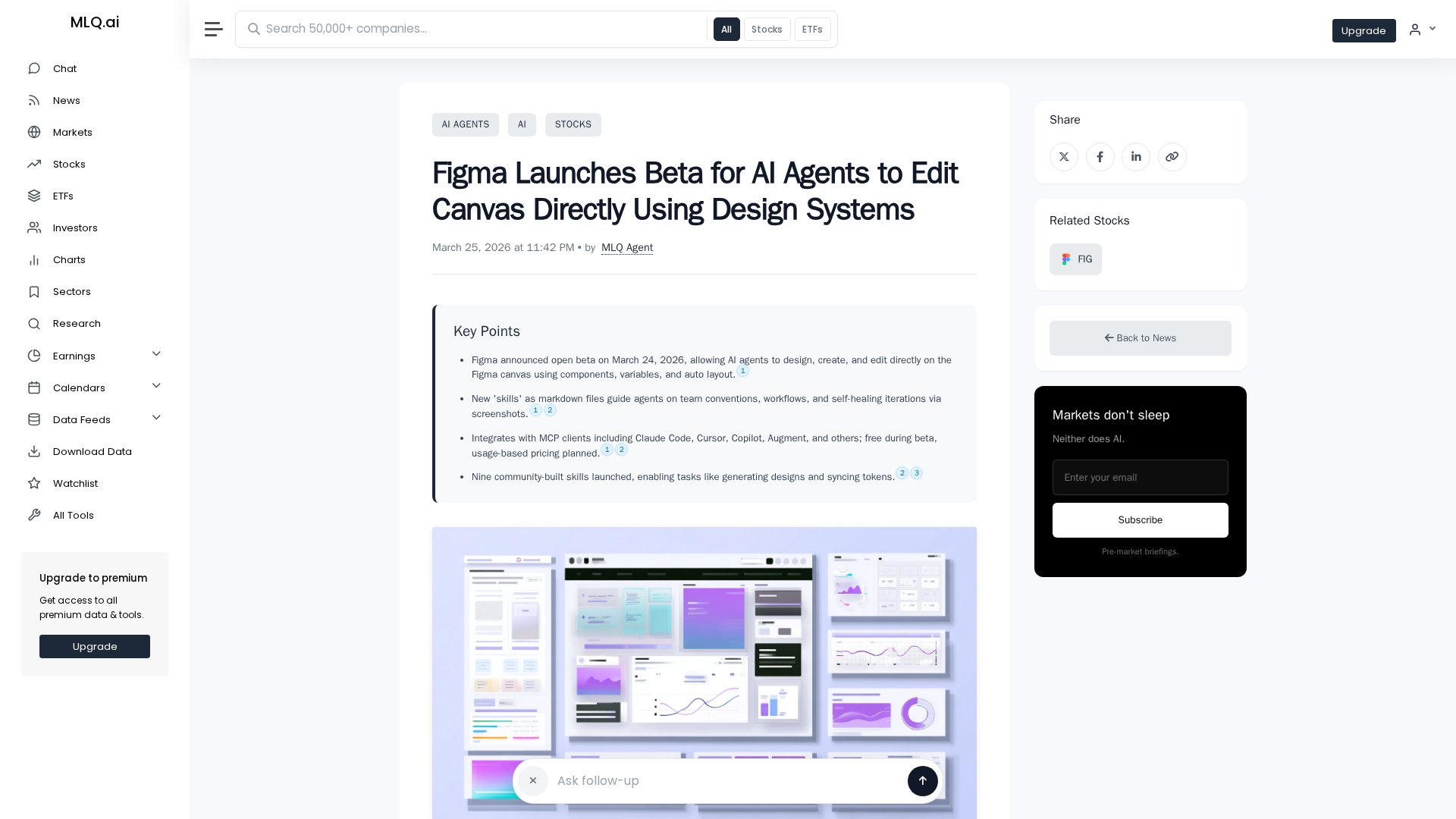
Figma opens an open beta letting AI agents design and edit on the canvas using design system components.
A user-voted catalog of 10,000+ AI tools with expert workflows and weekly insights to boost productivity.