Topic Overview
This topic examines AI design canvases for rapid UI prototyping: tools that combine natural-language or visual prompts, component libraries, and generative models to produce editable, interactive interfaces. It compares three approaches — Google’s canvas offering (built around Gemini-class multimodal models), Figma AI’s in-canvas assistance inside a web-first collaborative design system, and Framer’s prototyping-centric pipeline — alongside complementary services such as Vercel’s v0 (AI-to-production flow), Canva Magic Design (template-driven brand-aware generation), and asset tools like Clipdrop. Relevance: by 2026 the mainstream design workflow increasingly embeds generative models, lowering friction between ideation and testable prototypes. Teams prioritize canvases that preserve design-system fidelity and multiplayer collaboration while producing usable code or handoff artifacts. Key tensions are fidelity vs. speed, design-system control vs. exploratory generation, and whether outputs are designer-editable vectors, near-production code, or throwaway mockups. Tool roles and trends: Figma remains the collaborative hub for shared systems and real-time editing, with AI features focused on automating routine layout, copy, and component suggestions. Framer emphasizes rapid interactive prototypes and developer-friendly exports for animation and React-based flows. Google’s canvas leverages multimodal models (Gemini family) to accept mixed inputs — prompts, images, sketches — and generate screens or layout suggestions. v0 and similar platforms illustrate a growing demand for end-to-end paths that move designs toward deployable frontends. Asset pipelines (Clipdrop, Pixlr, Canva) are now integral for producing on-brand imagery and accelerant assets. Practical takeaway: choose a canvas by where you need to land — collaborative design-system fidelity (Figma), interactive prototyping and developer handoff (Framer), or multimodal, prompt-driven ideation with tight model integration (Google’s canvas and Gemini ecosystem).
Tool Rankings – Top 6

A collaborative, web-first design platform for teams to design, prototype, and ship products.
Canva’s AI-powered design generator that creates editable, on-brand designs from prompts and uploaded media.

AI-powered UI generation, design systems, and instant production deployment in one cohesive platform.

Google’s multimodal family of generative AI models and APIs for developers and enterprises.
A multi-tool AI image studio for background edits, upscaling, uncropping, and API integration.

A free, browser-based AI photo editor, image generator, and design studio.
Latest Articles (39)
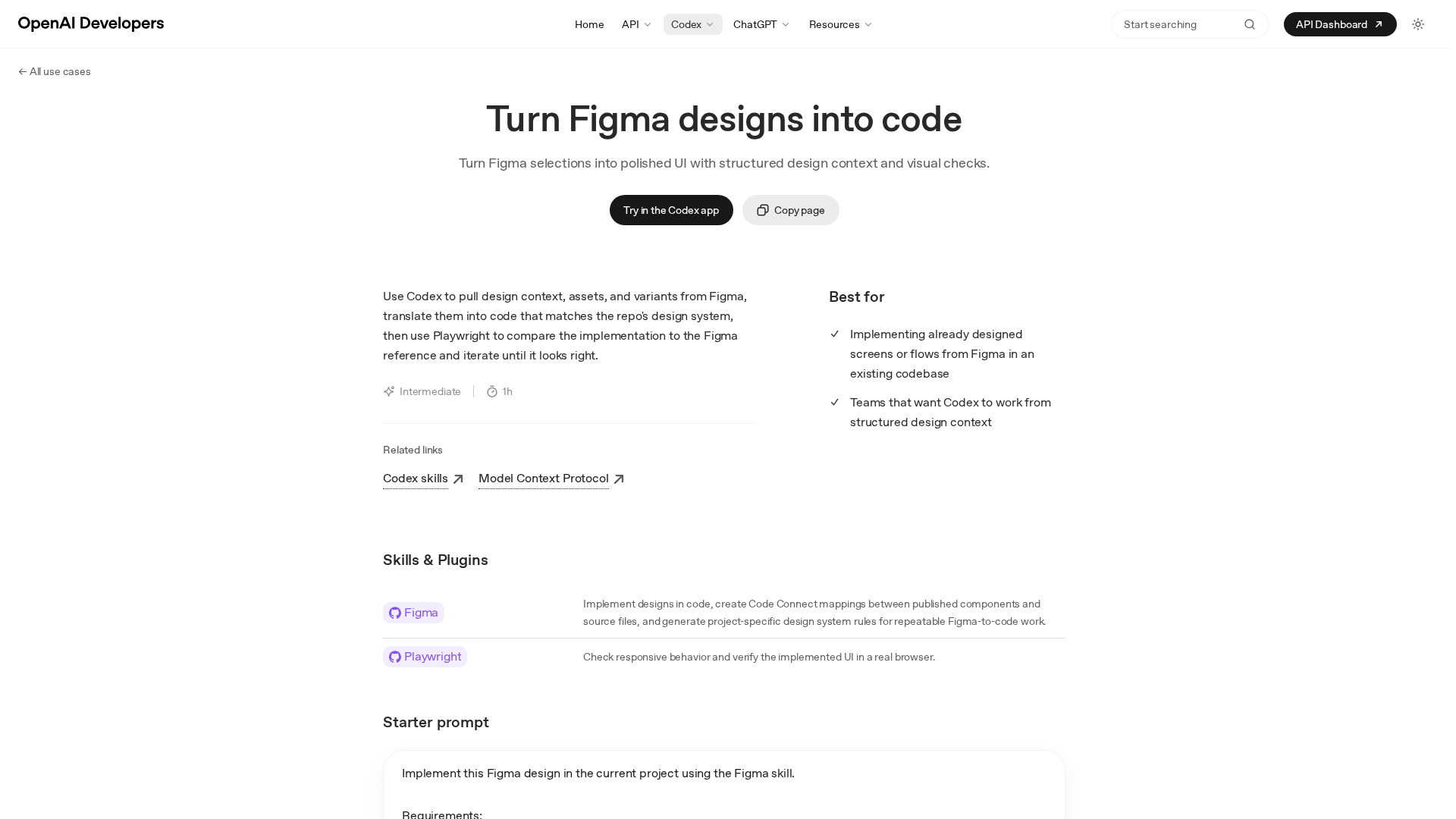
Turn precise Figma designs into production-ready UI by Codex, with design-context, assets, and automated visual checks.
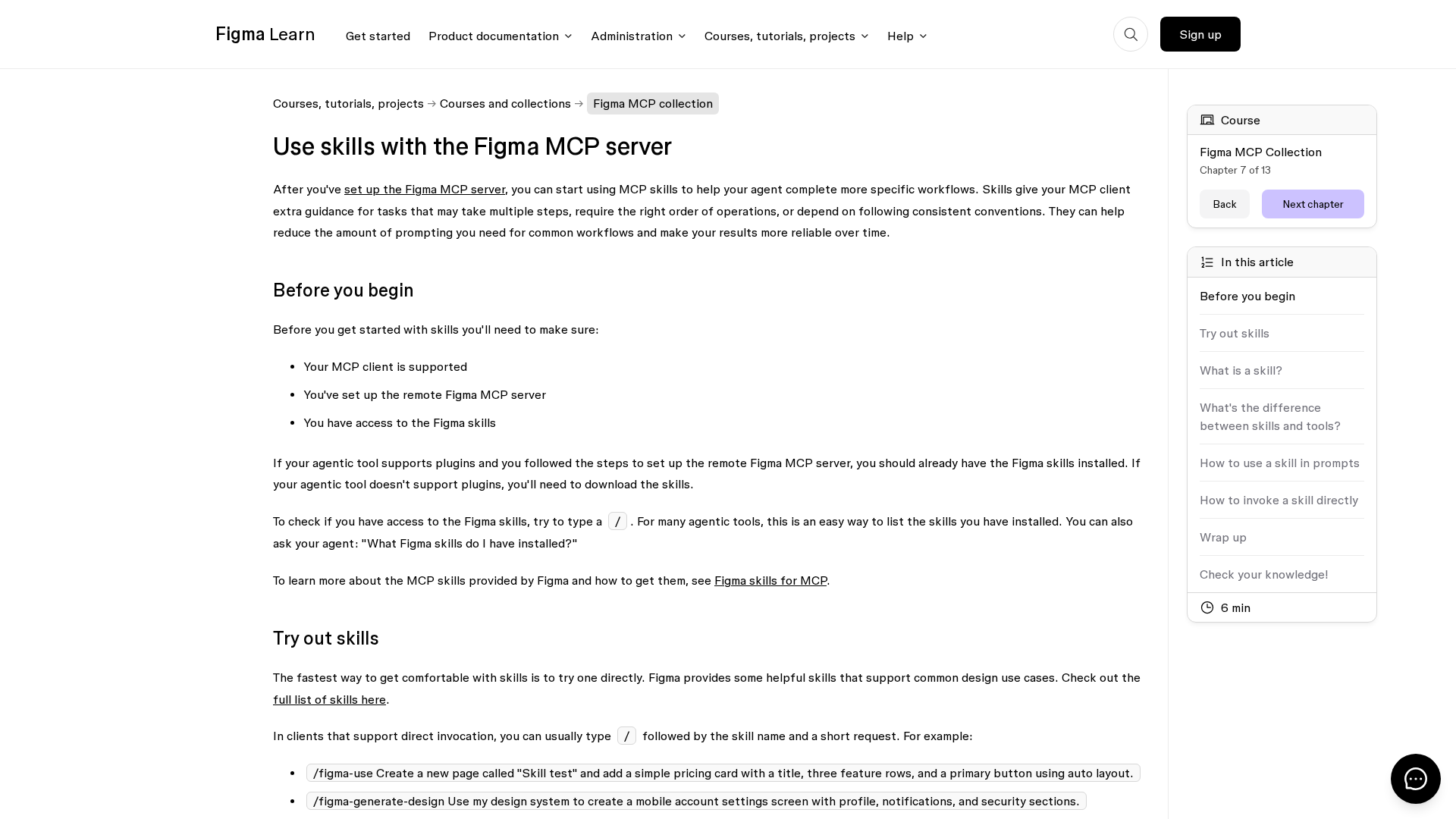
Learn how Figma MCP skills guide your agent through multi-step design workflows with the MCP server.
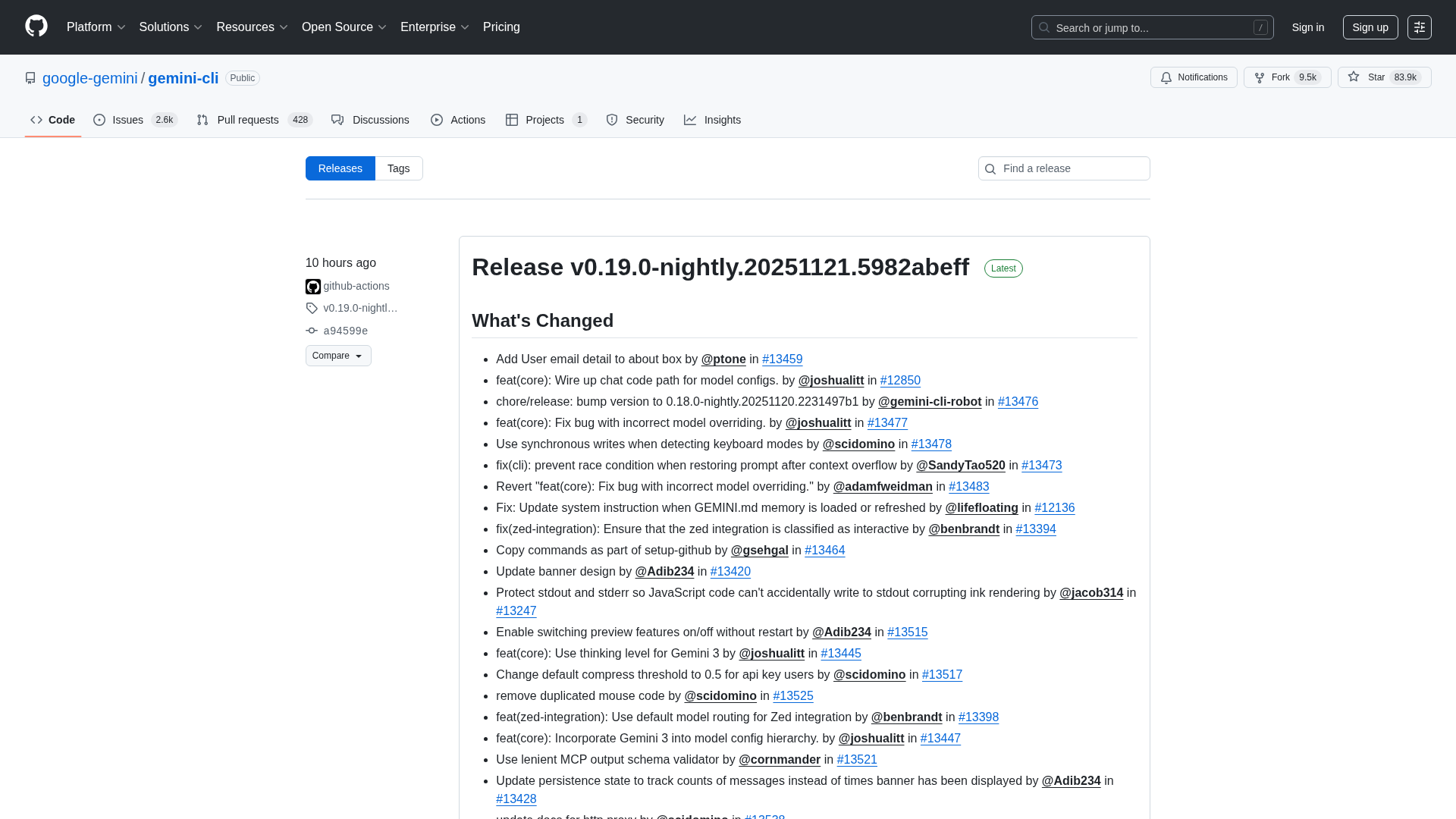
Overview of the Gemini CLI v0.36.0-preview release series, highlighting architectural, CLI, and UI changelogs across multiple pre-release versions.
Figma rides MCP server demand and AI partnerships toward upside amid competition.
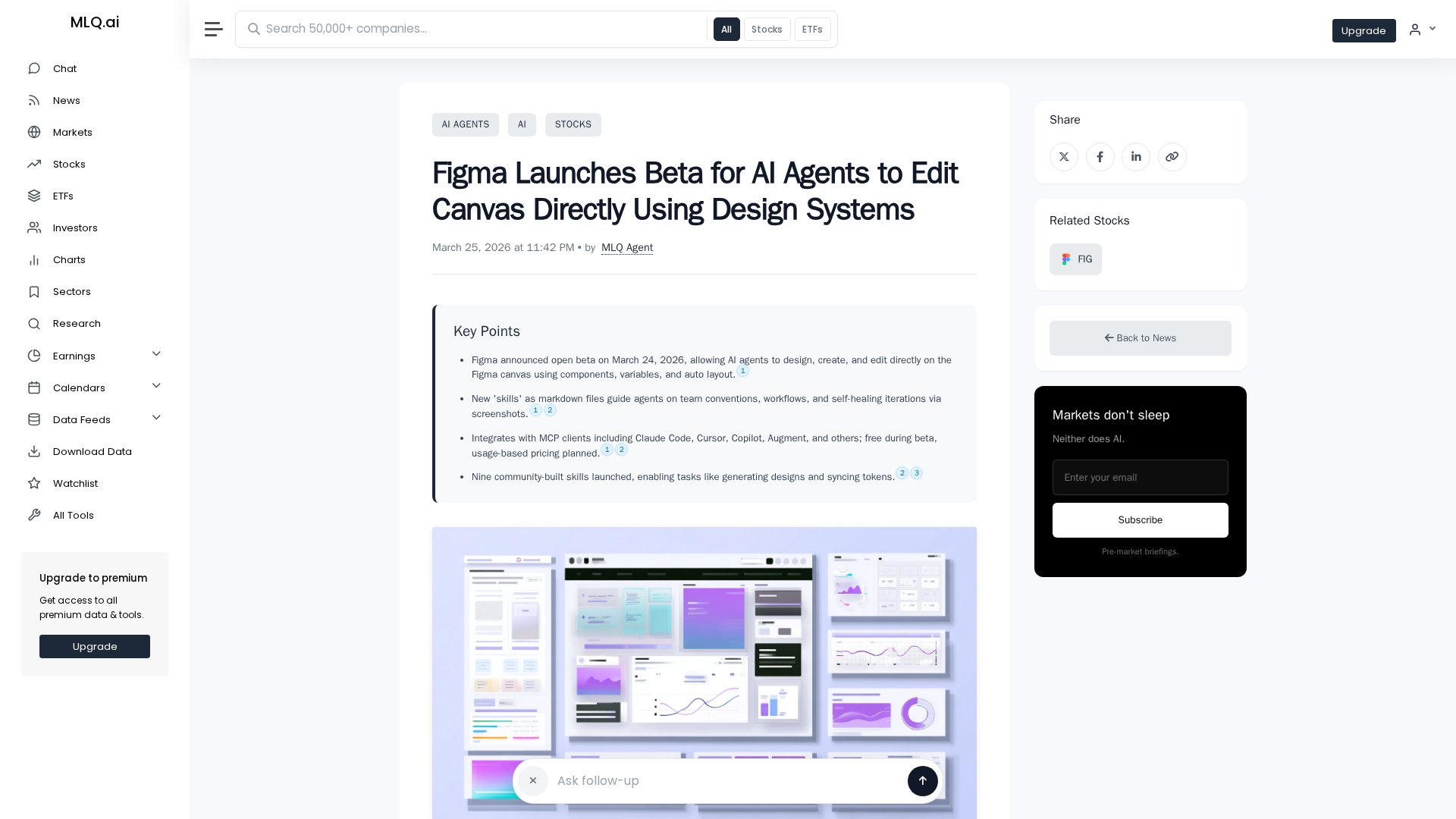
Figma opens an open beta letting AI agents design and edit on the canvas using design system components.